
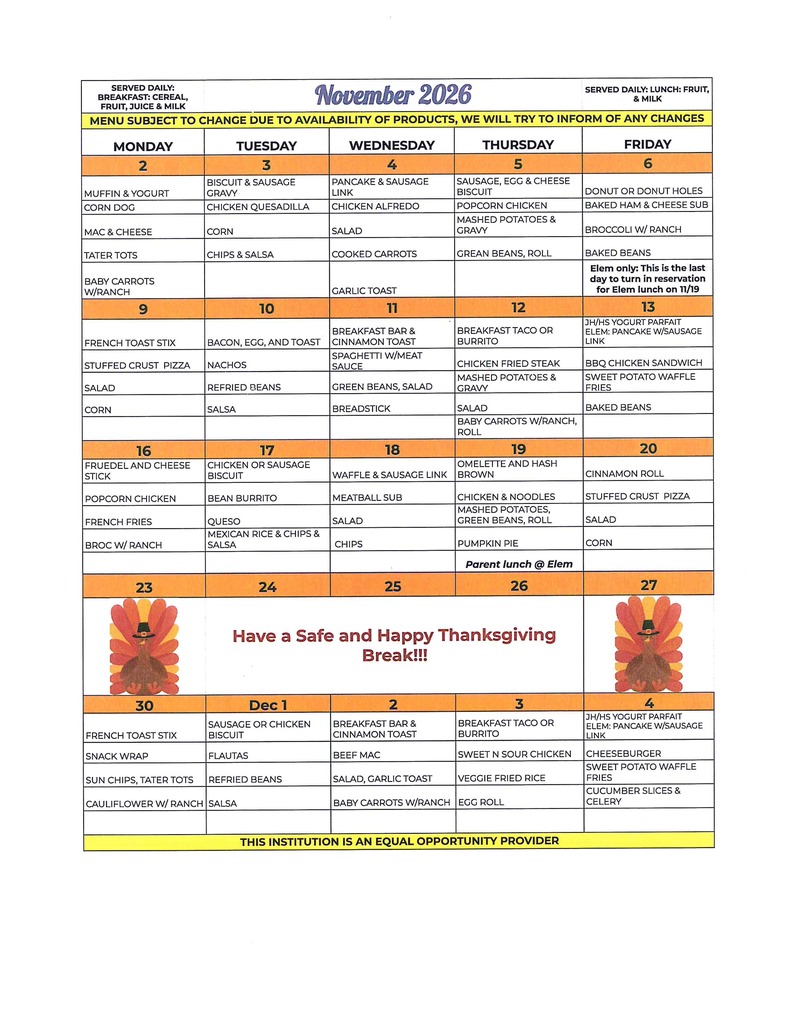
NOVEMBER 2026 MENU - MENU IS SUBJECT TO CHANGE DUE TO AVAILABILITY OF PRODUCTS. WE WILL TRY TO INFORM OF ANY CHANGES.

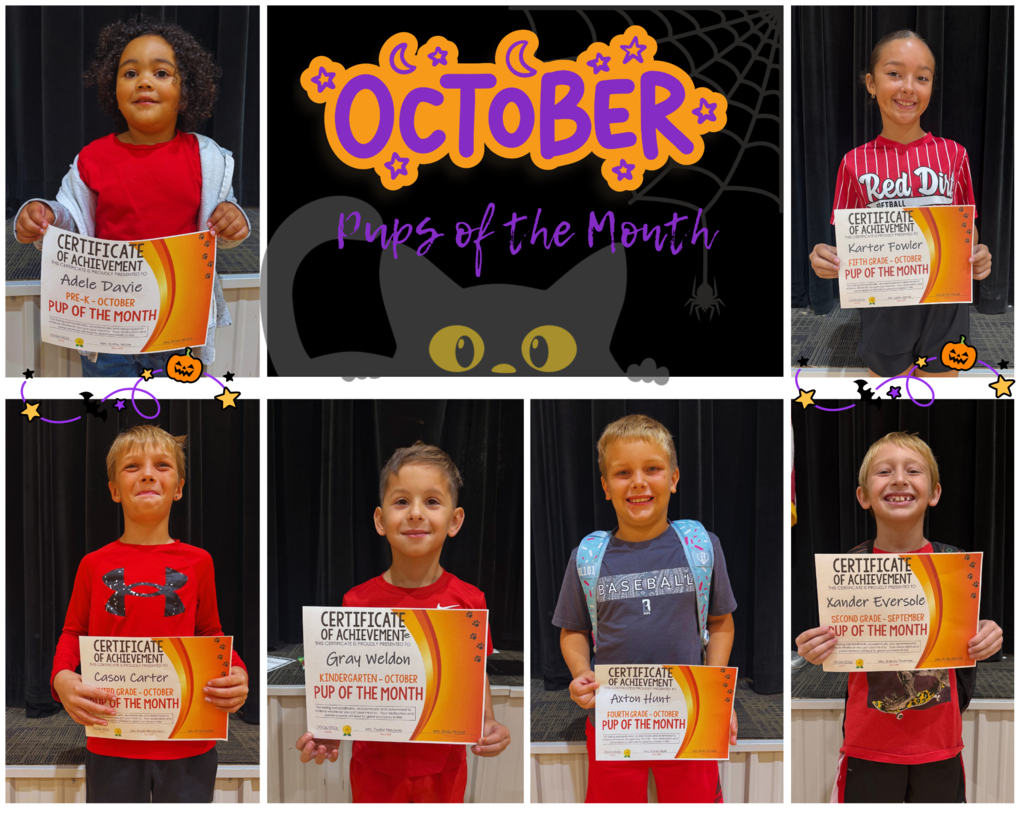
Our Bulldogs continue to make us proud! We are excited to recognize our October Pups of the Month for their hard work, kindness, responsibility, and the positive example they set for others!
It’s been wonderful to see our students learning, growing, and shining both inside and outside the classroom. We are so proud of these Bulldogs and all they are accomplishing!
Congratulations to our October Pups of the Month! We can’t wait to see all the amazing things our Bulldogs will continue to do throughout the rest of the school year!
PK – Adele Davie
K – Gray Weldon
First – A.E.
Second – Xander Eversole
Third – Cason Carter
Fourth – Axton Hunt
Fifth – Karter Fowler
It’s been wonderful to see our students learning, growing, and shining both inside and outside the classroom. We are so proud of these Bulldogs and all they are accomplishing!
Congratulations to our October Pups of the Month! We can’t wait to see all the amazing things our Bulldogs will continue to do throughout the rest of the school year!
PK – Adele Davie
K – Gray Weldon
First – A.E.
Second – Xander Eversole
Third – Cason Carter
Fourth – Axton Hunt
Fifth – Karter Fowler
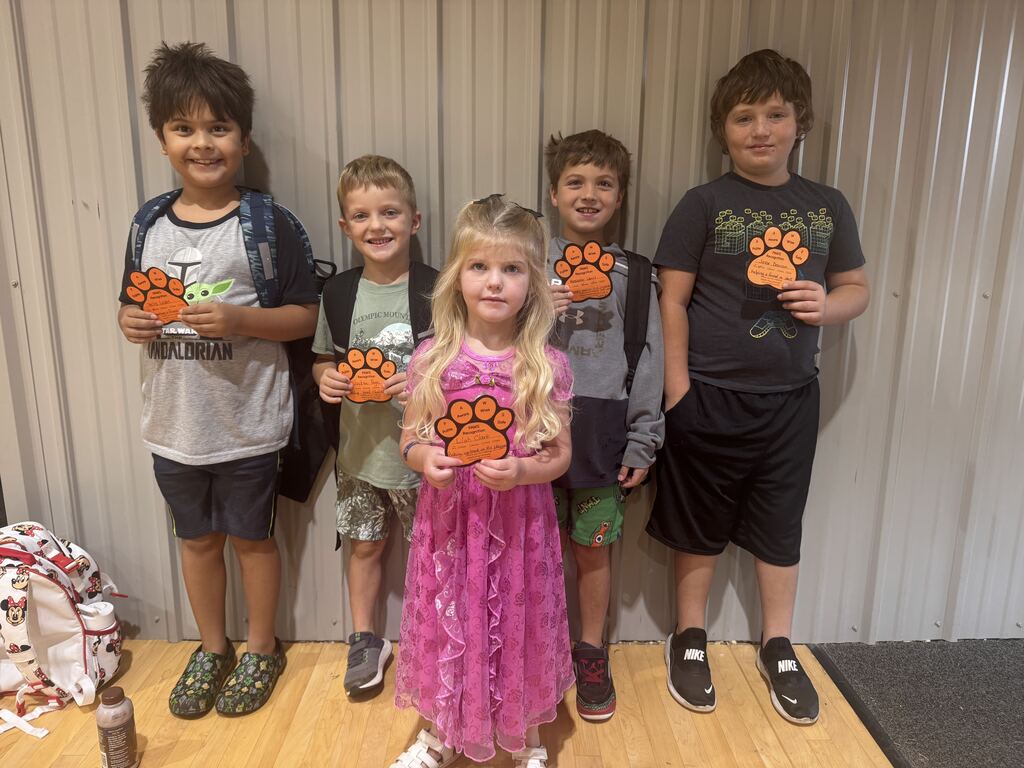
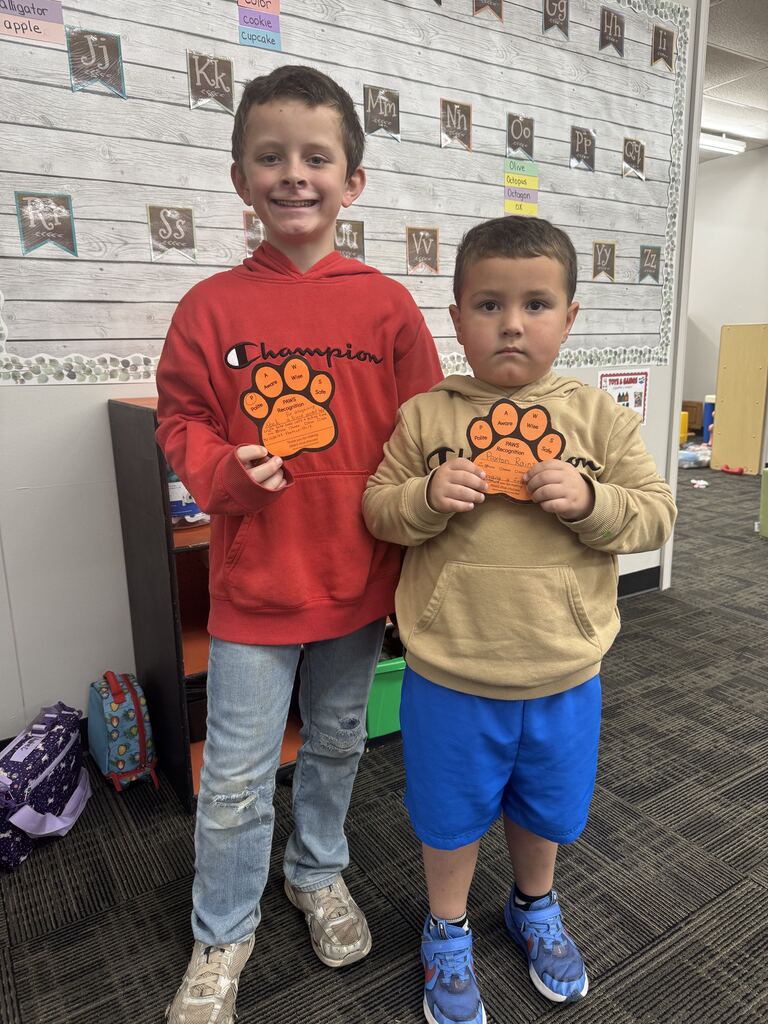
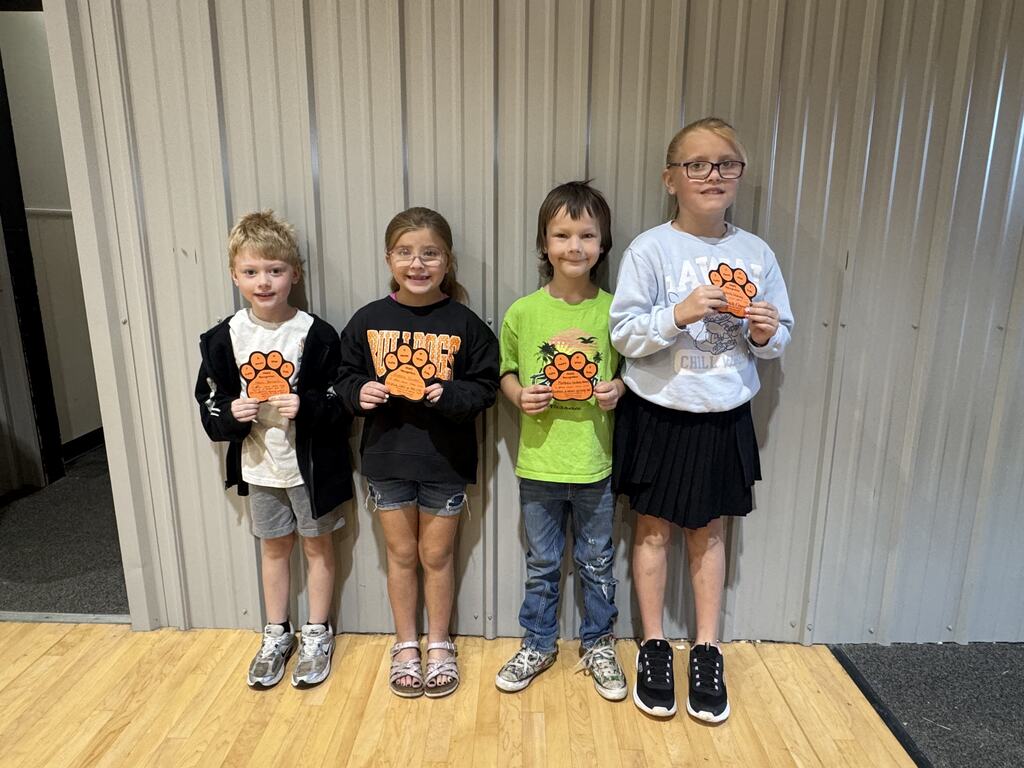
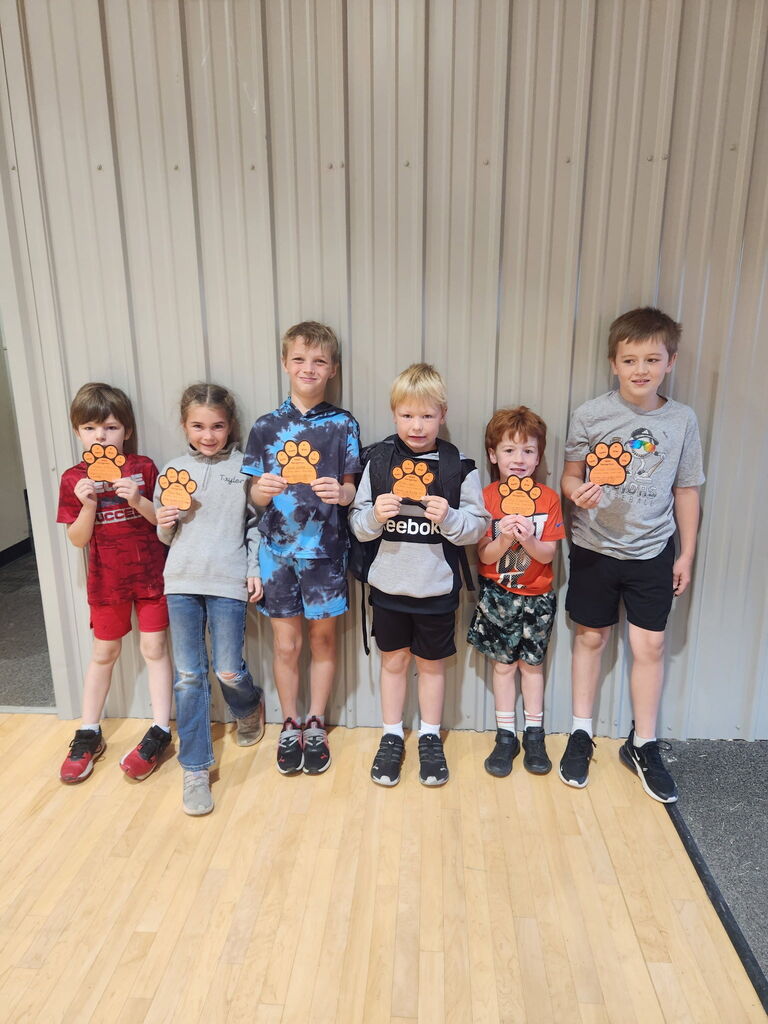
Our Bulldogs are earning their PAWS by making good choices, showing kindness or going above and beyond. We love catching our students doing the right thing and celebrating the positive actions that make Yale Elementary a great place!
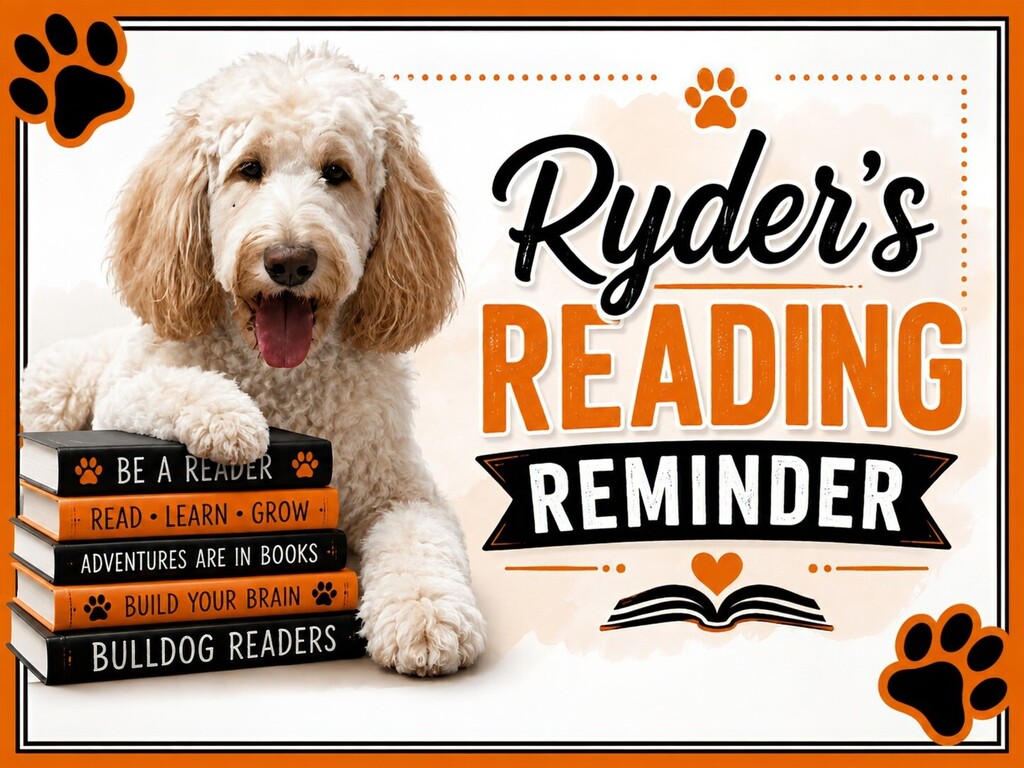
Does your child have a favorite book they want to read over and over? That can be a good thing! Rereading a familiar story helps children become more comfortable with the words, read more smoothly, and build confidence.
The next time your child reaches for a favorite, enjoy reading it together again! A little extra practice can go a long way. 📚🐾
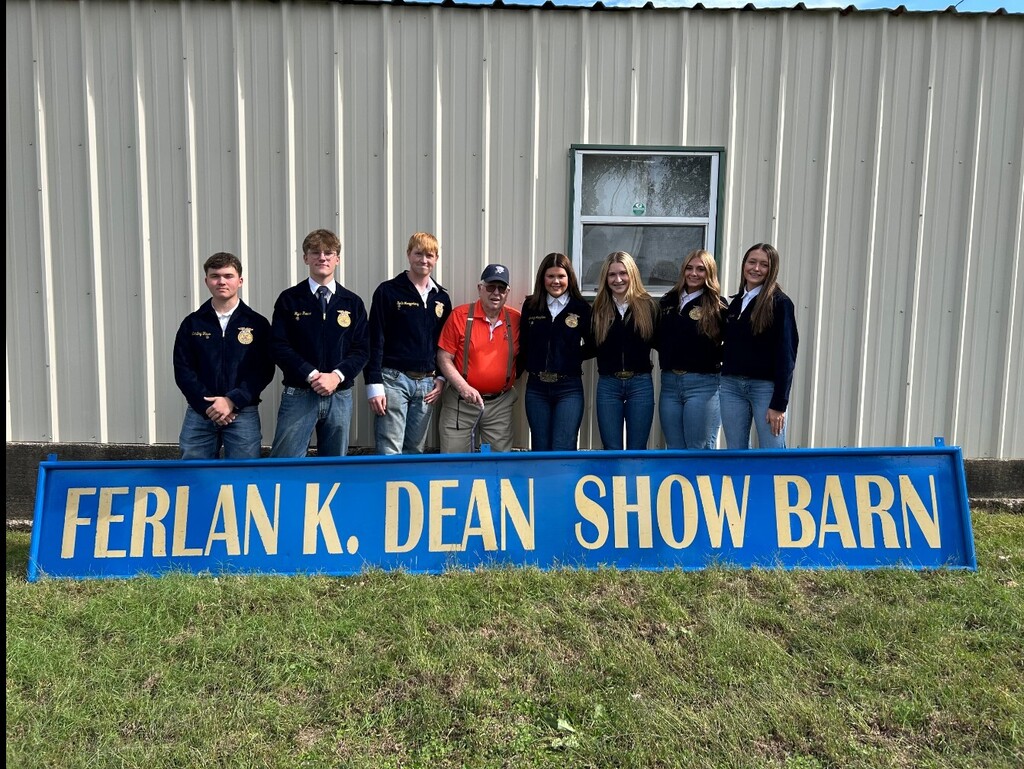
Sunday afternoon, the Yale FFA officers had the privilege of delivering the original Ferlan K. Dean Show Barn sign to Mr. Dean’s home. The group also took time to help refurbish the sign after many years on display.
We are grateful for all of Mr. Dean’s dedication and contributions to the City of Yale and its students. As construction continues on a restructured show barn, a new Ferlan K. Dean Show Barn sign will be installed to carry on his legacy.
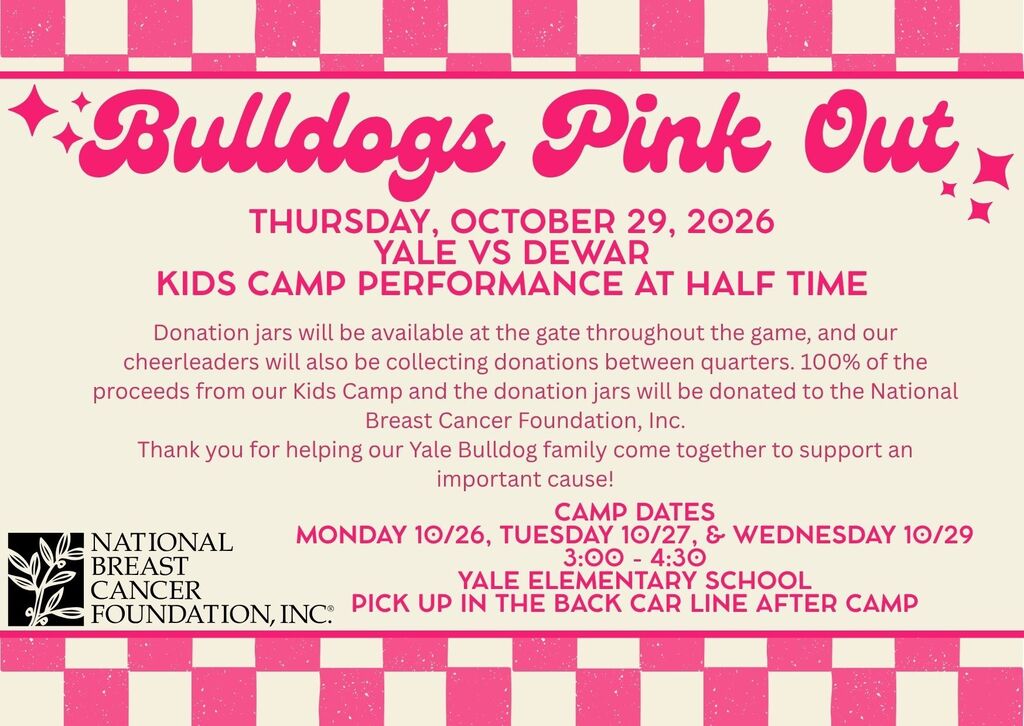
This week is our Pink Out Game. All cheer camp proceeds and donations will go to the National Breast Cancer Foundation
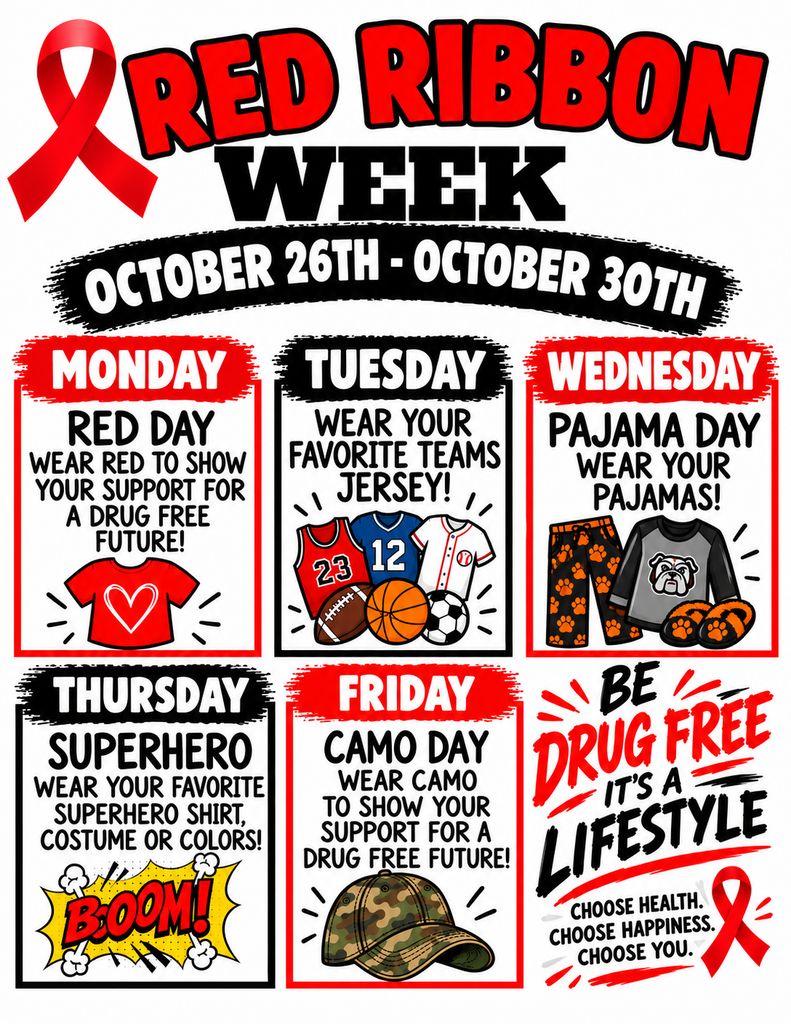
The updated Red Ribbon Week flyer for the JH/HS.
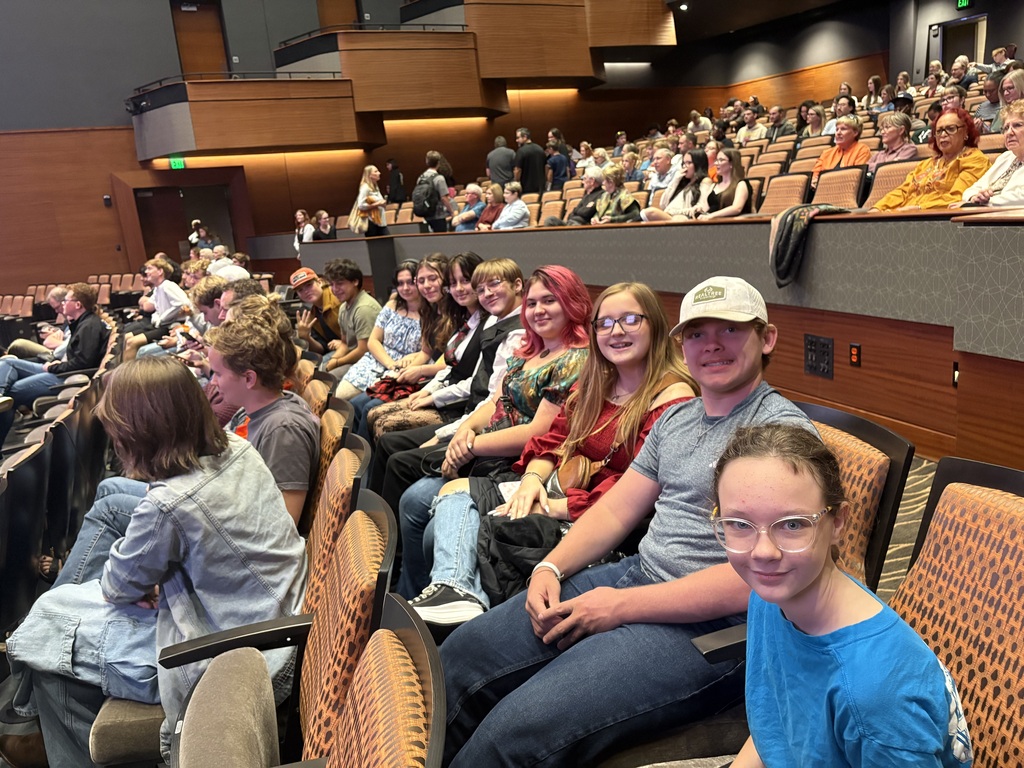
Yale Public Schools band members were able to attend Oklahoma State's Wind Ensemble concert last night in Stillwater. This was a great experience for our students.

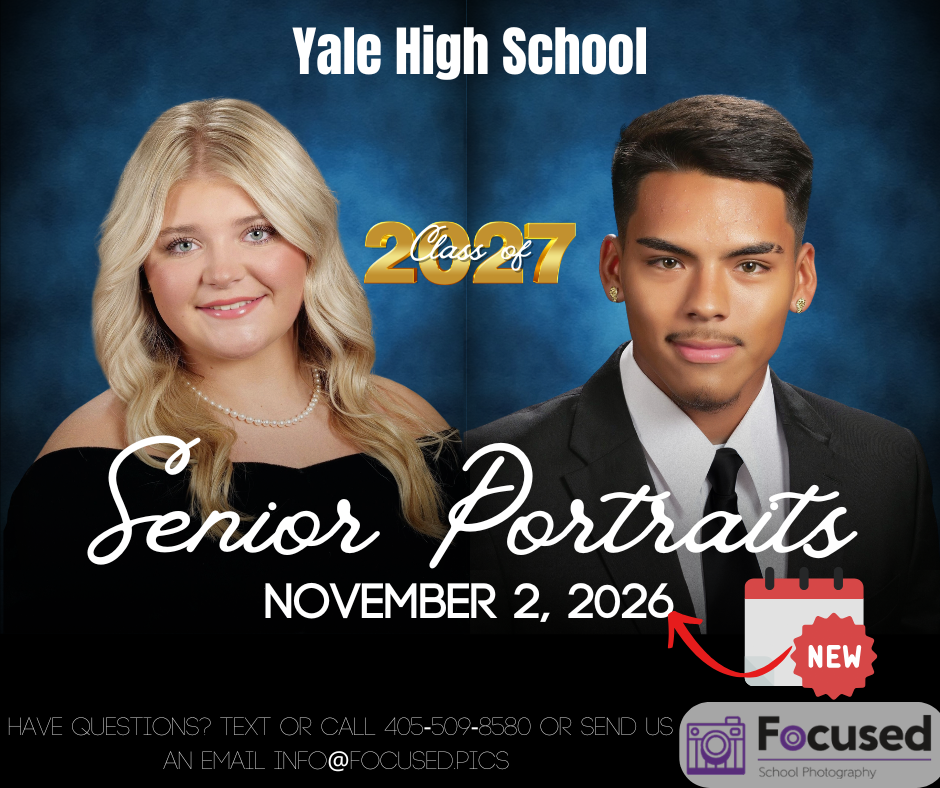
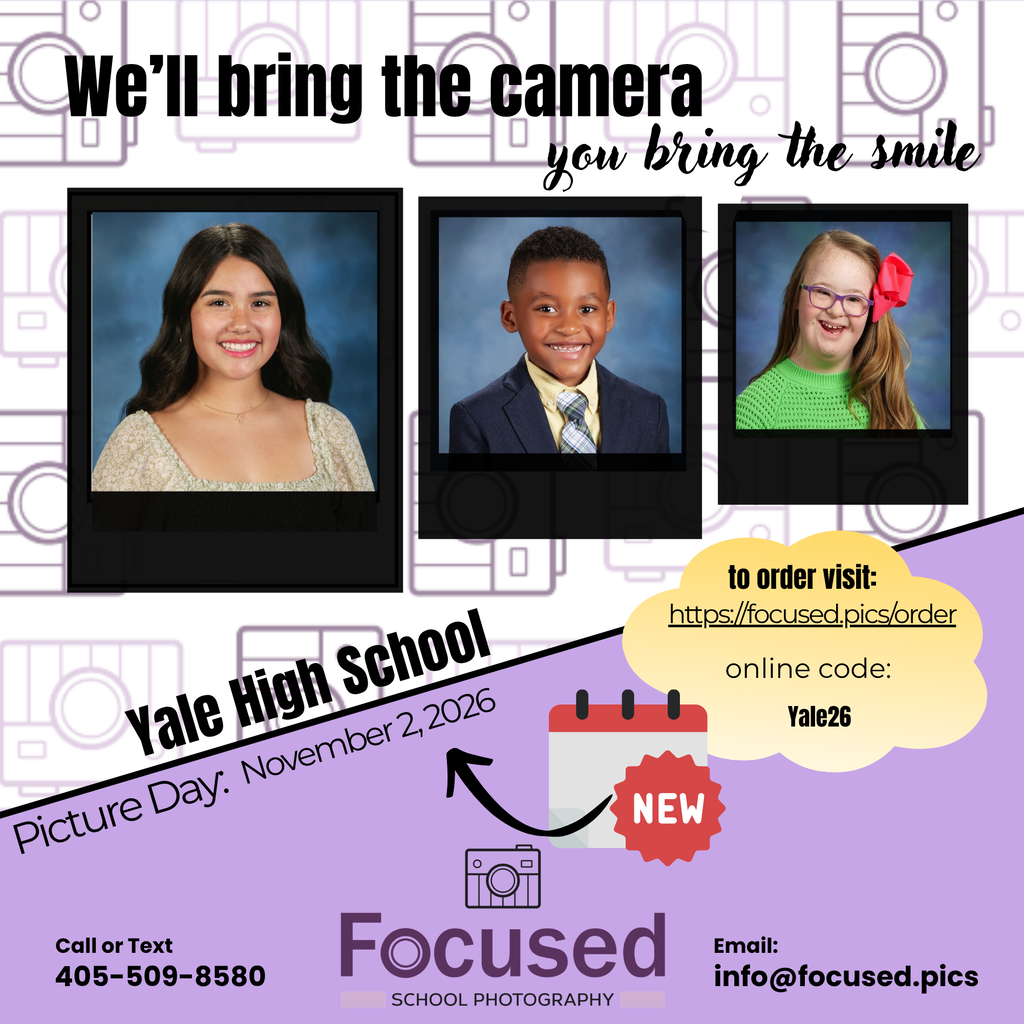
School Picture Day will be Monday, November 2nd, 2026. Retakes will be December 3rd, 2026.
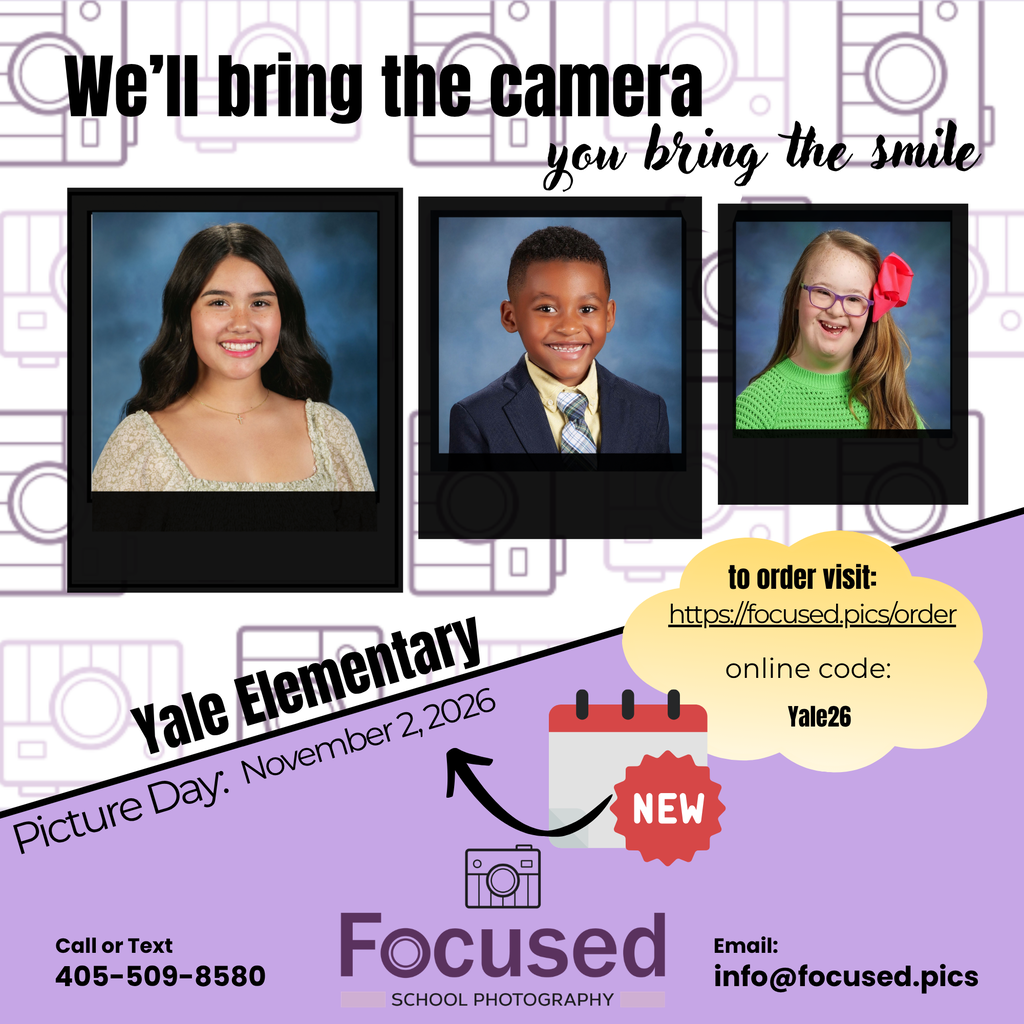
Due to the change in date for Picture Day, there has been some minor adjustment to the planned Red Ribbon Week themes for the Elementary!
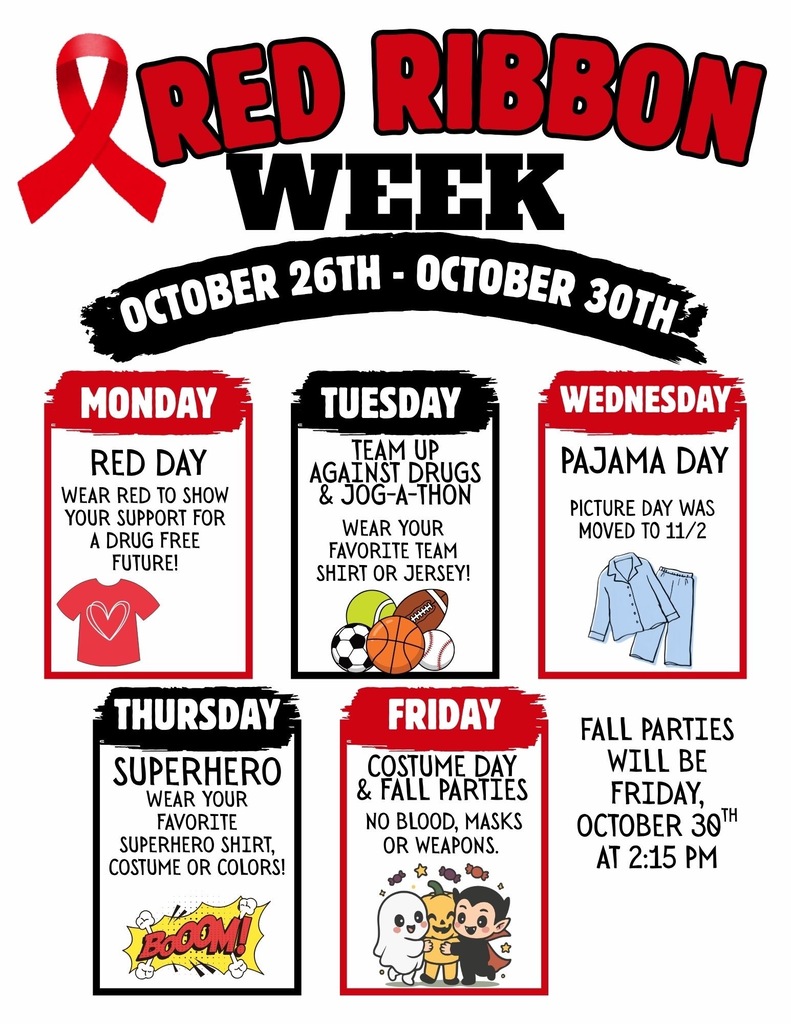
PICTURE DAY UPDATE!
Picture Day is coming up on 11/2 with re-takes on 12/3.
Picture Day is coming up on 11/2 with re-takes on 12/3.
The 5th and 6th grade Ripley Tournament is coming up!
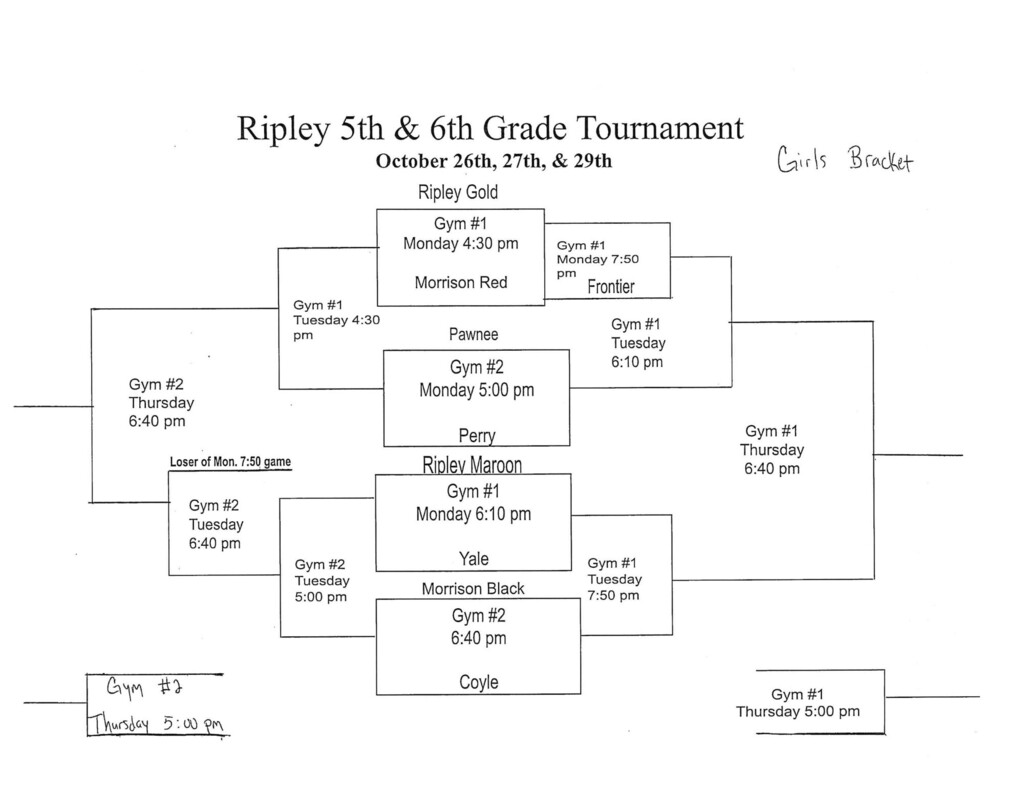
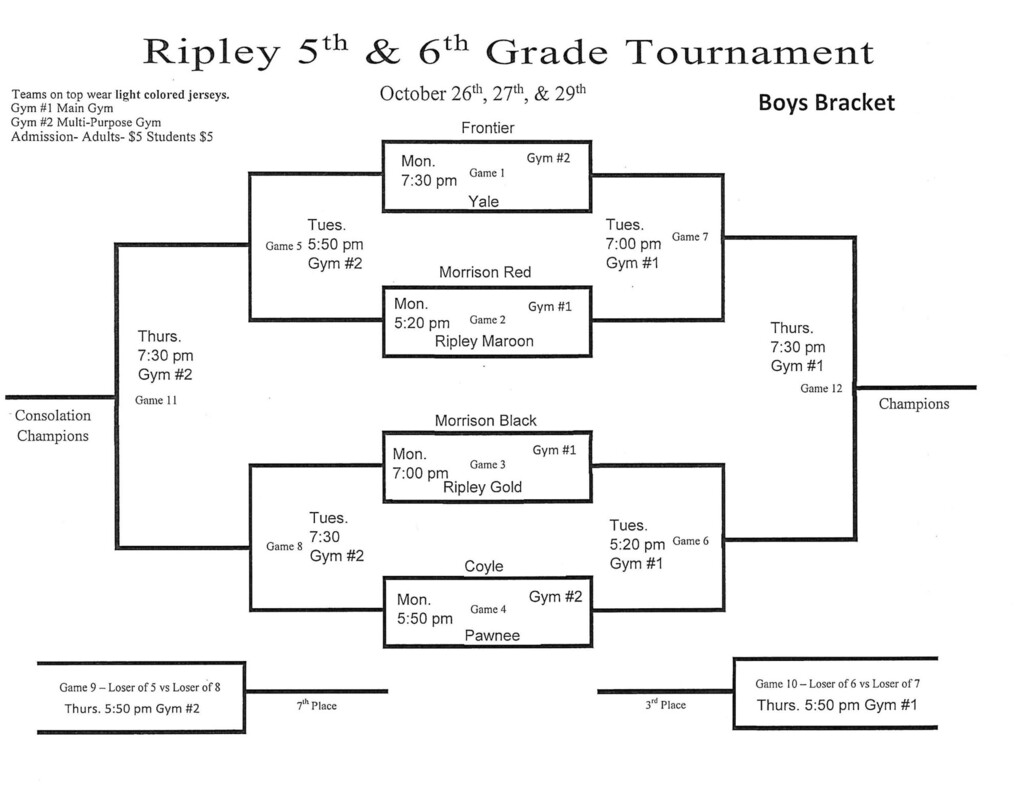
Tomorrow’s (10/19) JH football game has been moved to Tuesday evening (10/20) at 6:00. This move was made at Barnsdall’s request.
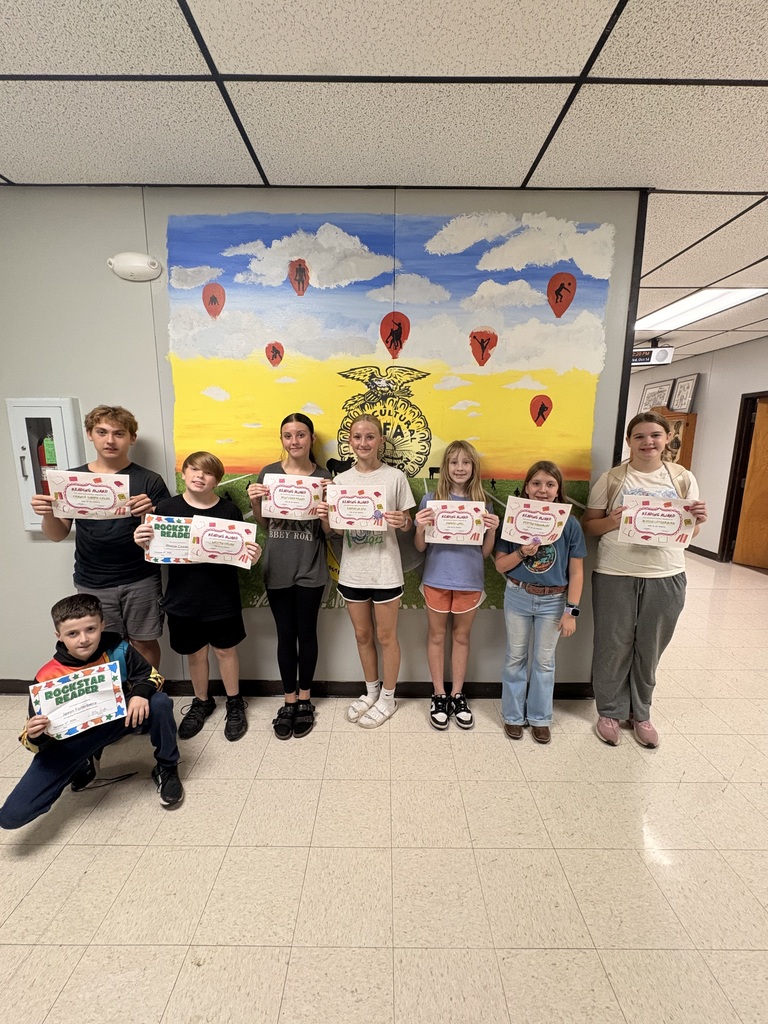
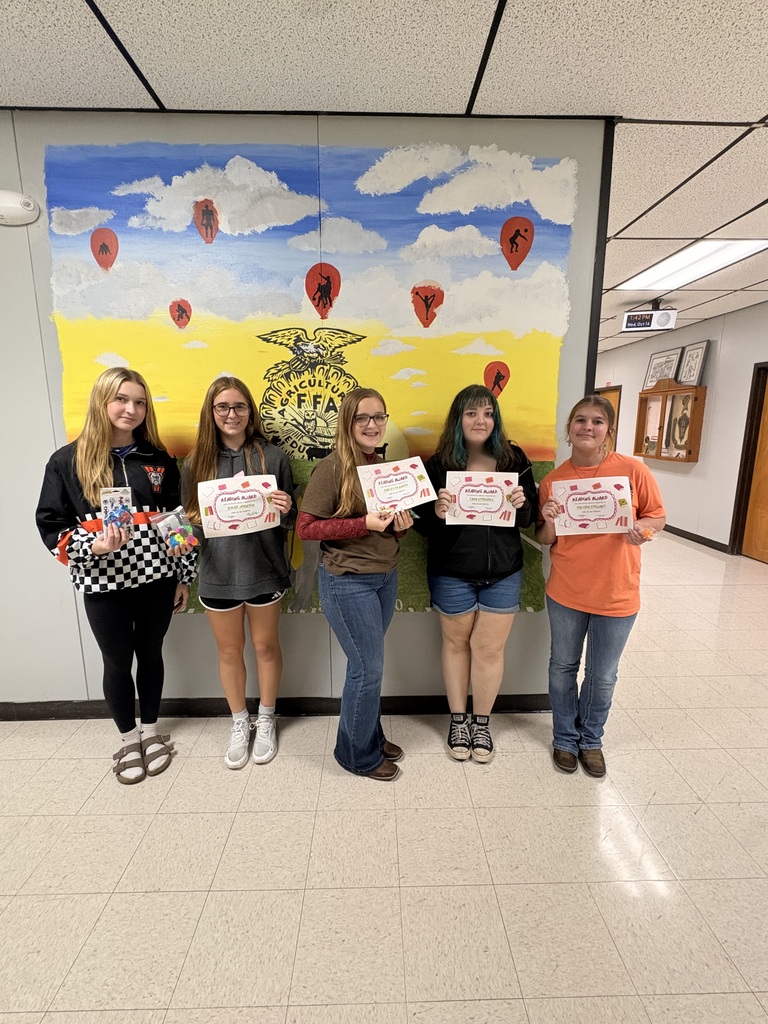
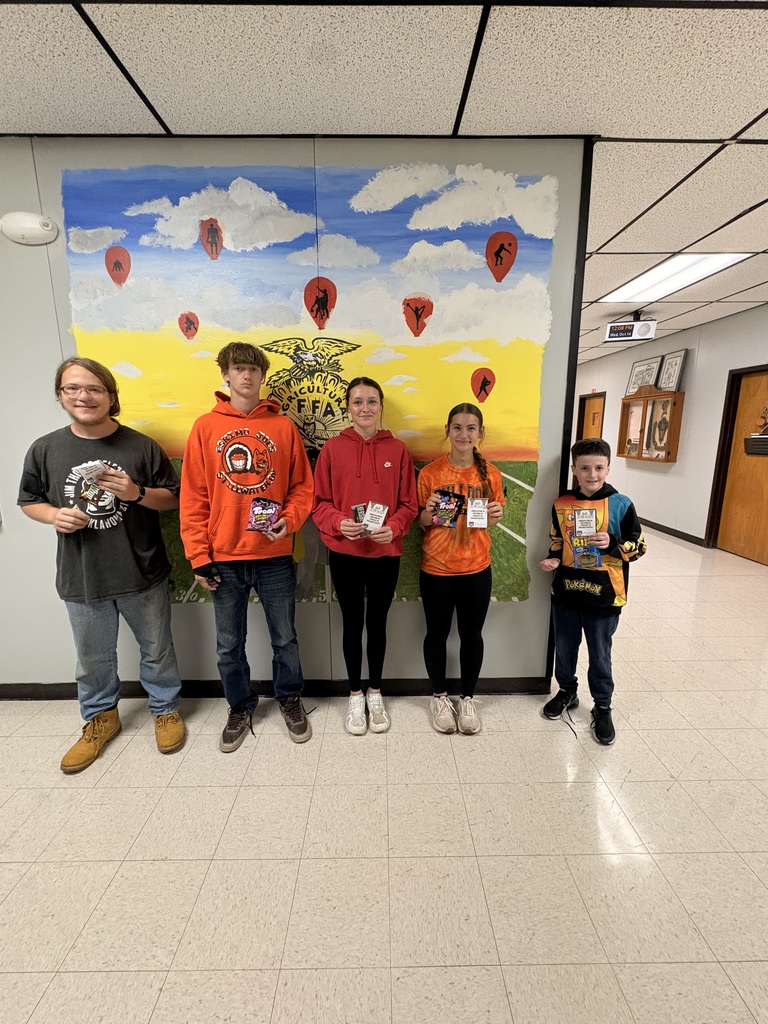
📚🐾 HUGE CONGRATULATIONS to our JH/HS AR 20 Point Club! 🎉🧡🖤
We are so proud of you and all the hard work you’ve put into reaching your Accelerated Reading goals! Keep up the amazing work, Bulldogs! We can’t wait to see you continue to grow and achieve all of your AR goals! 🐾📖🧡🖤
We are so proud of you and all the hard work you’ve put into reaching your Accelerated Reading goals! Keep up the amazing work, Bulldogs! We can’t wait to see you continue to grow and achieve all of your AR goals! 🐾📖🧡🖤
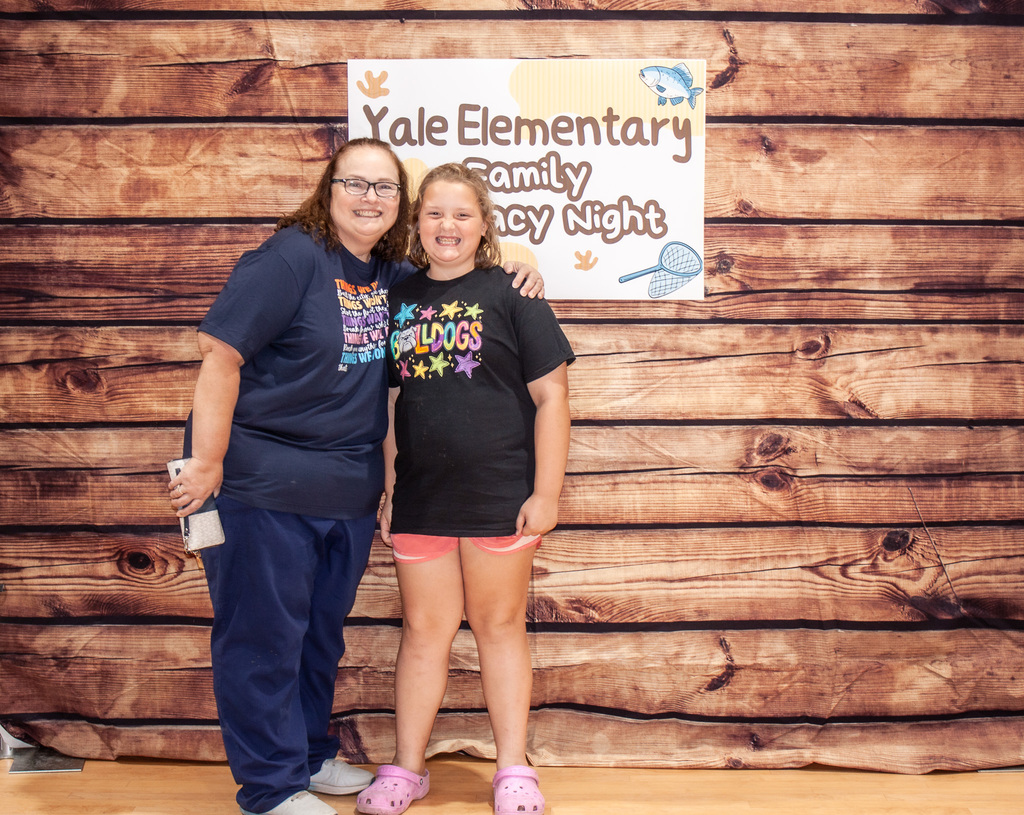
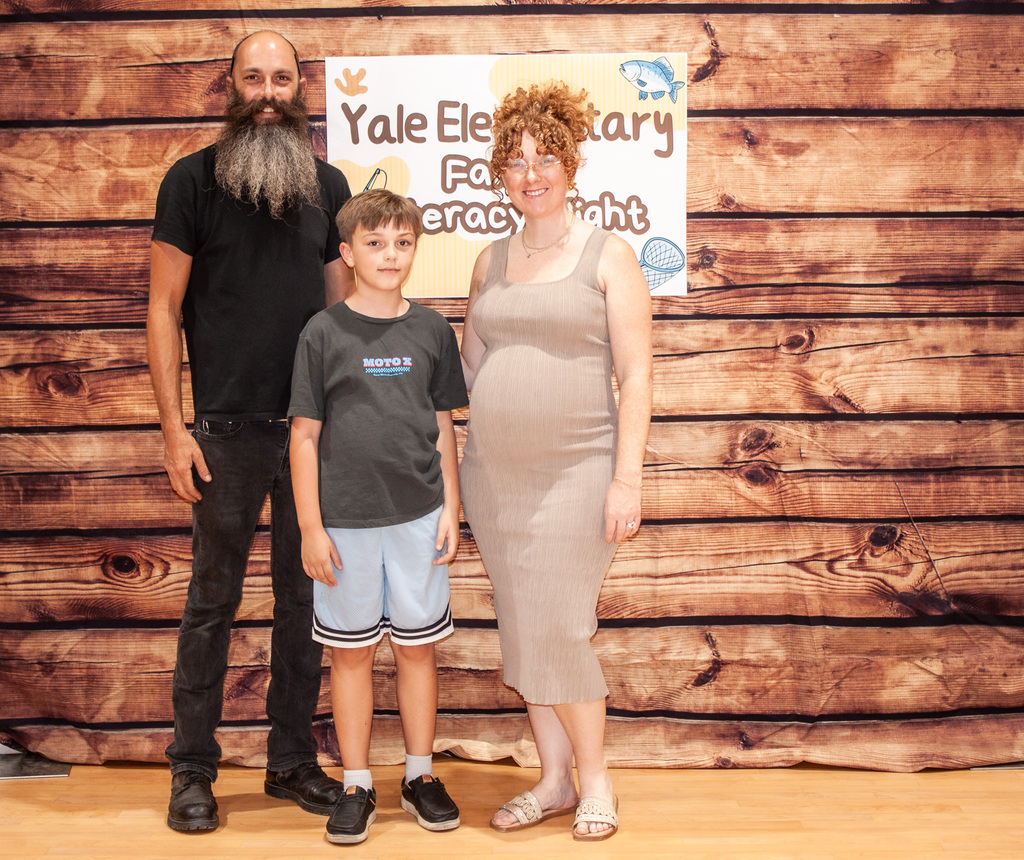
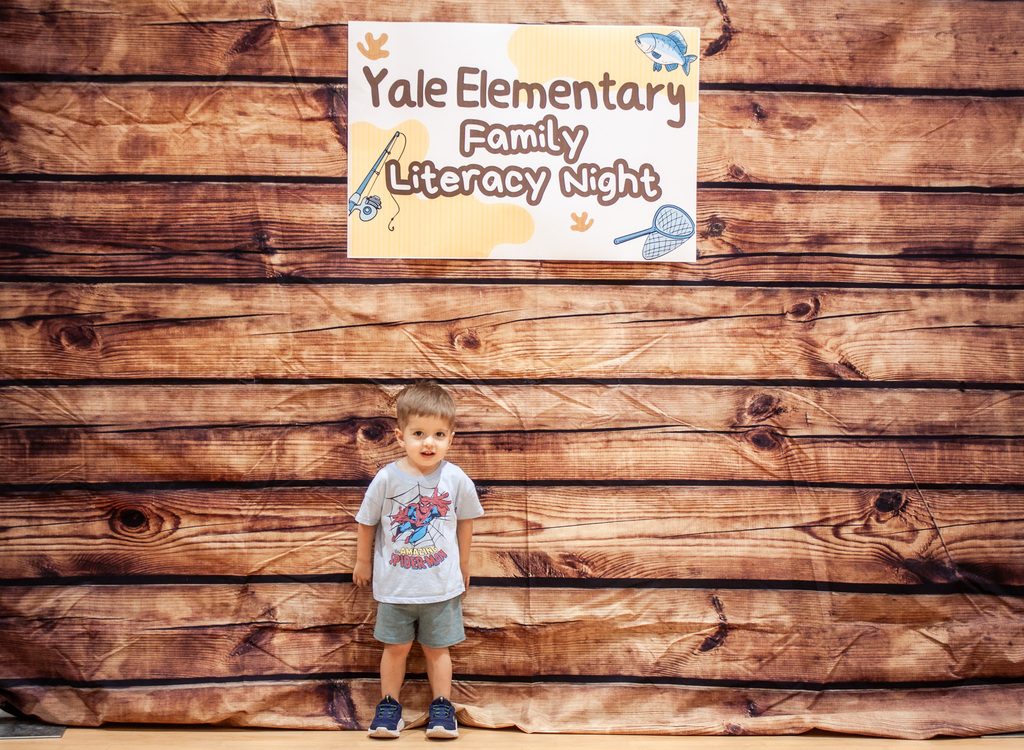
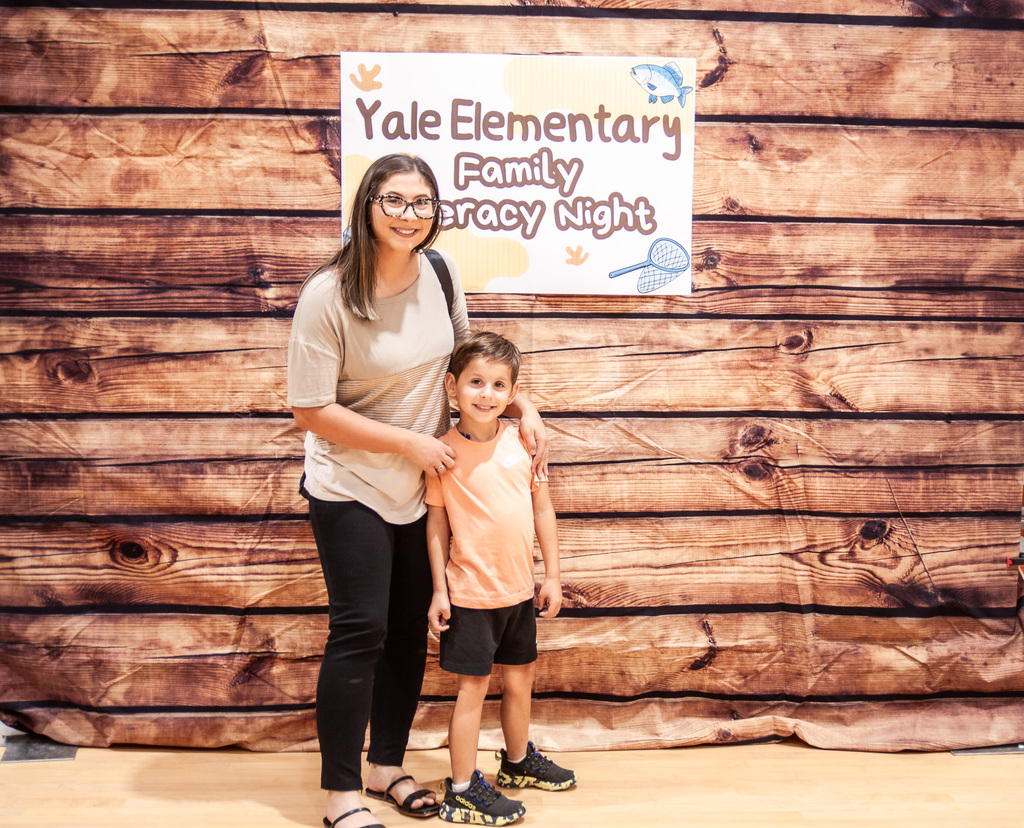
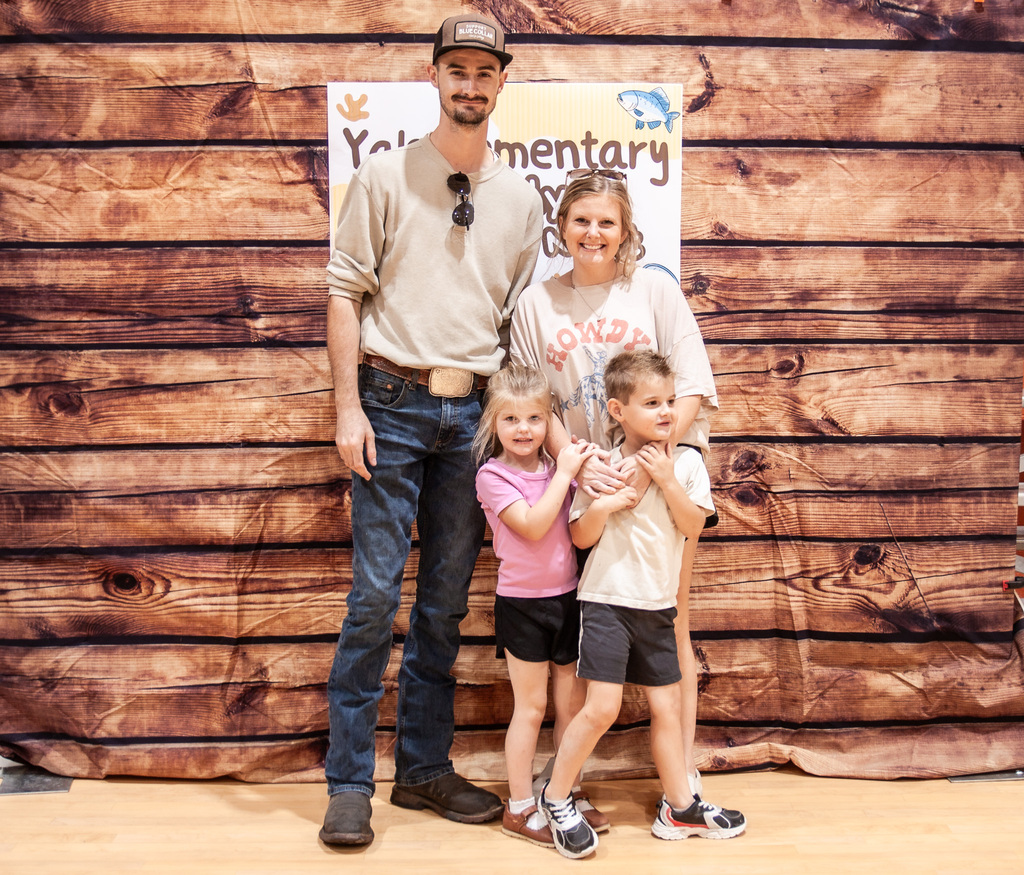
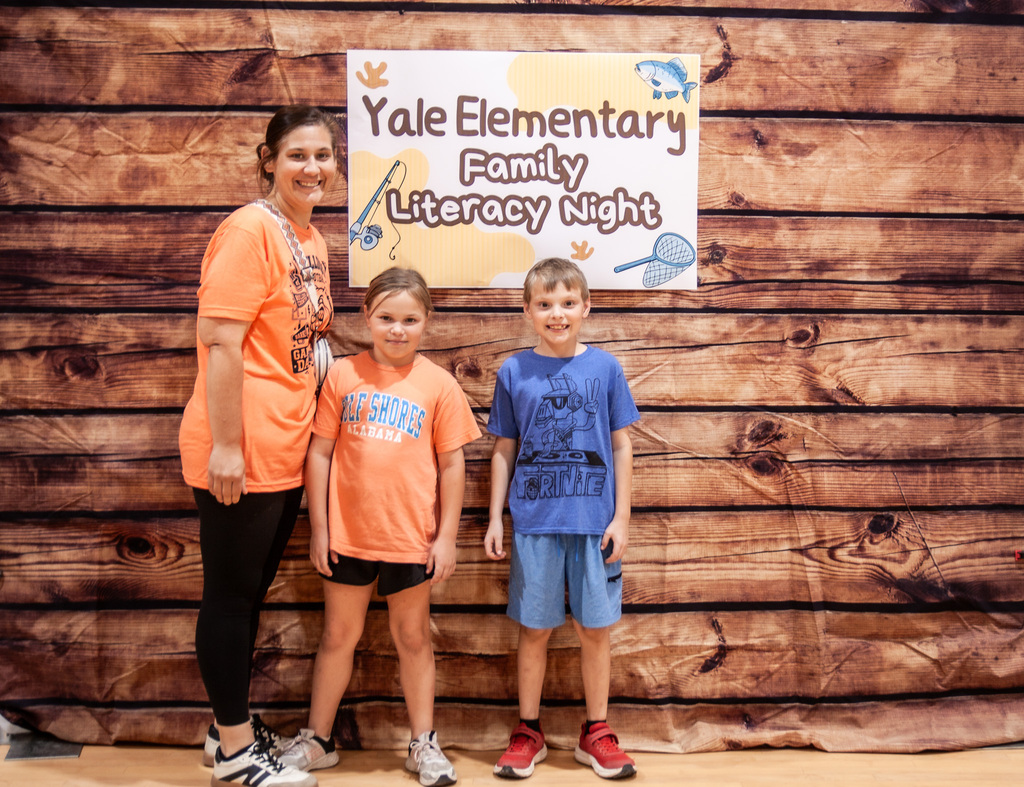
Literacy Night (3/3)
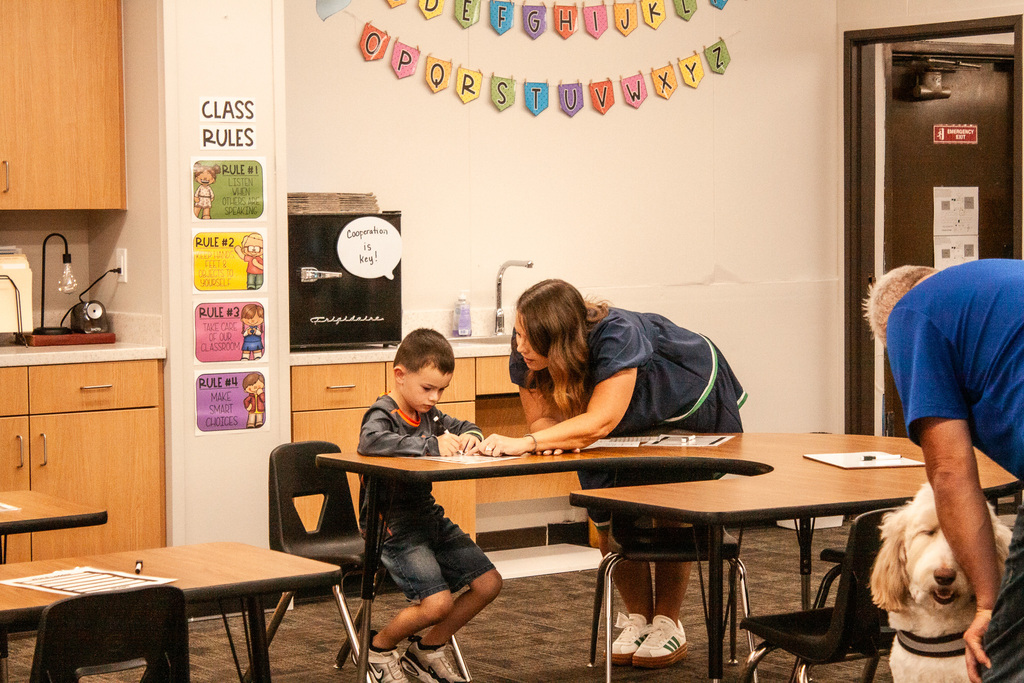
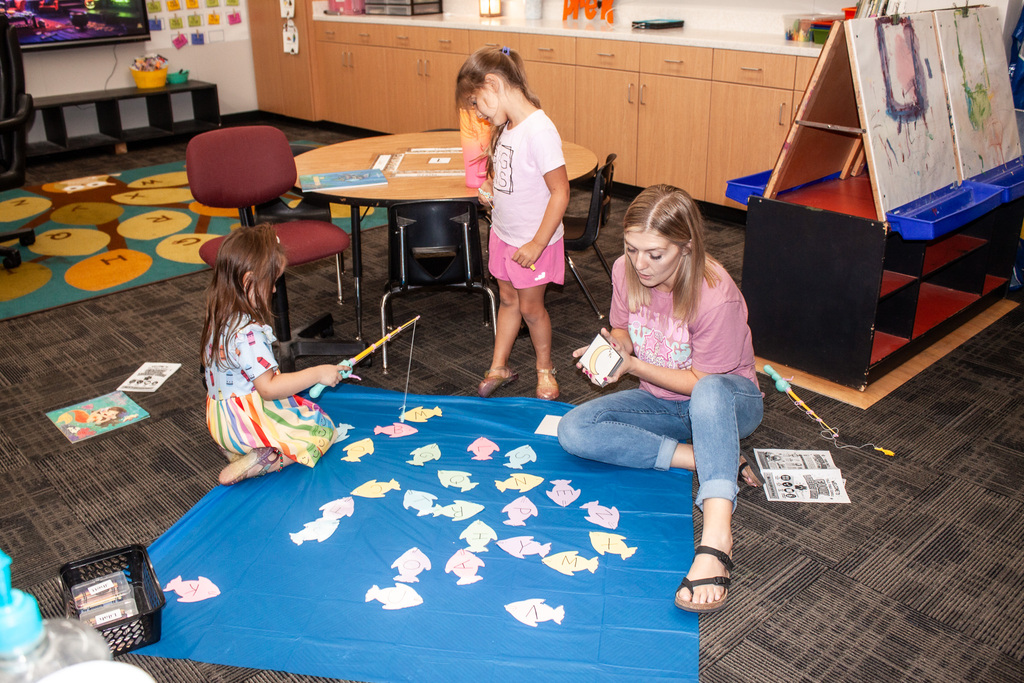
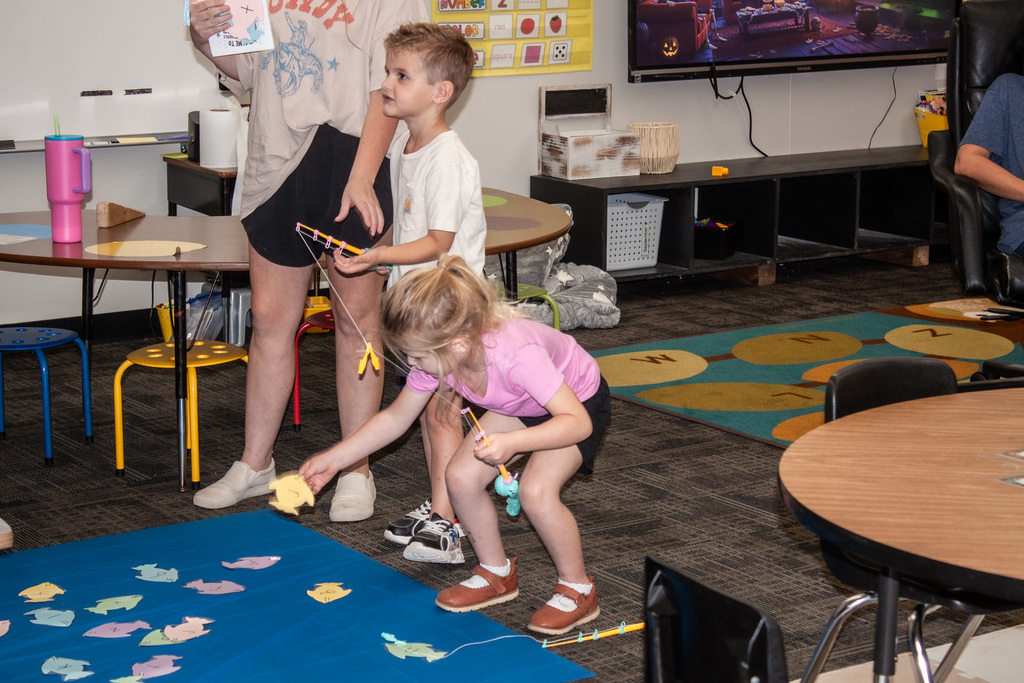
Literacy Night (2/3)
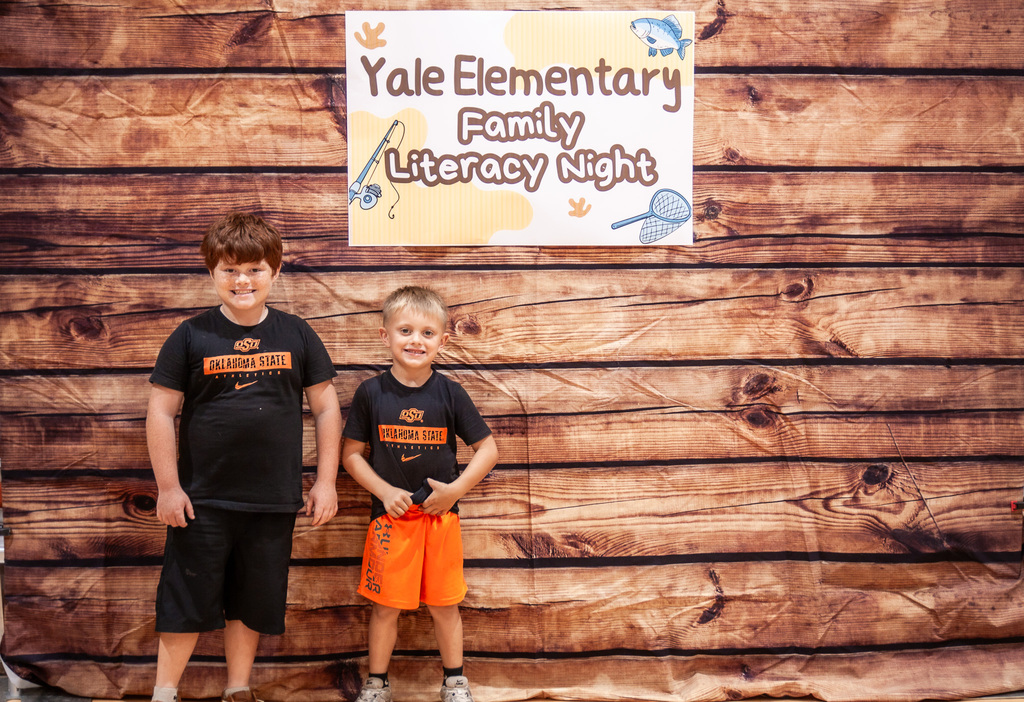
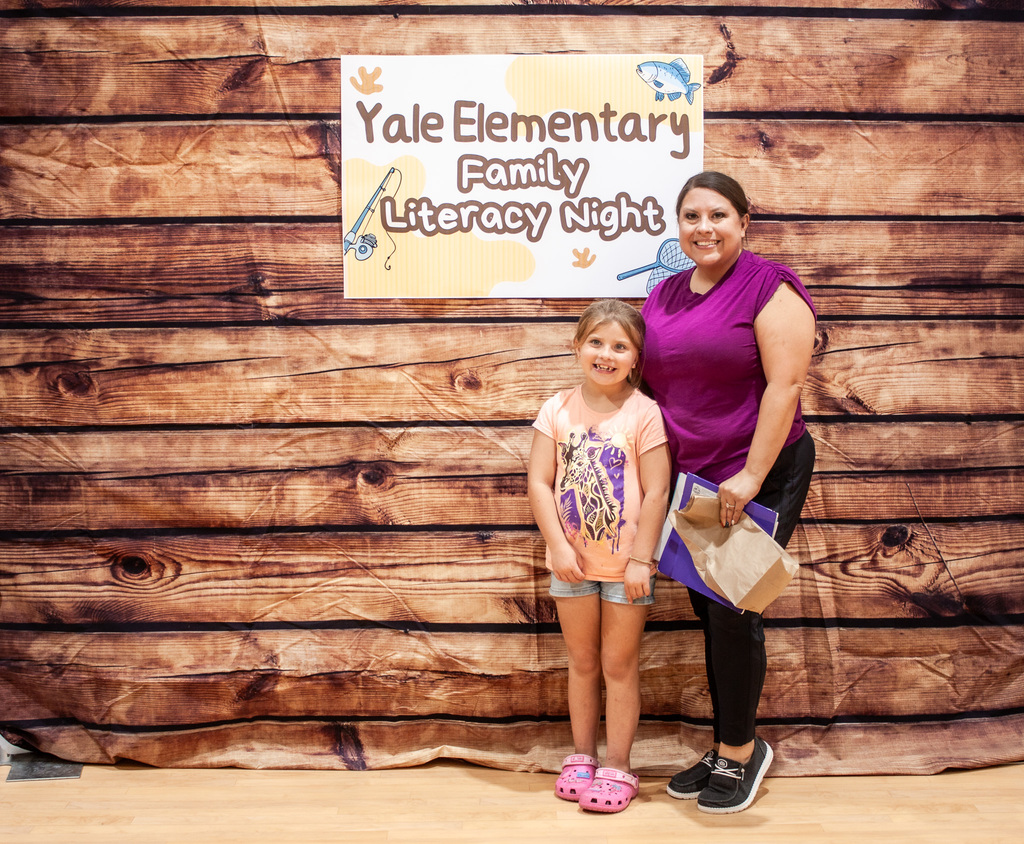
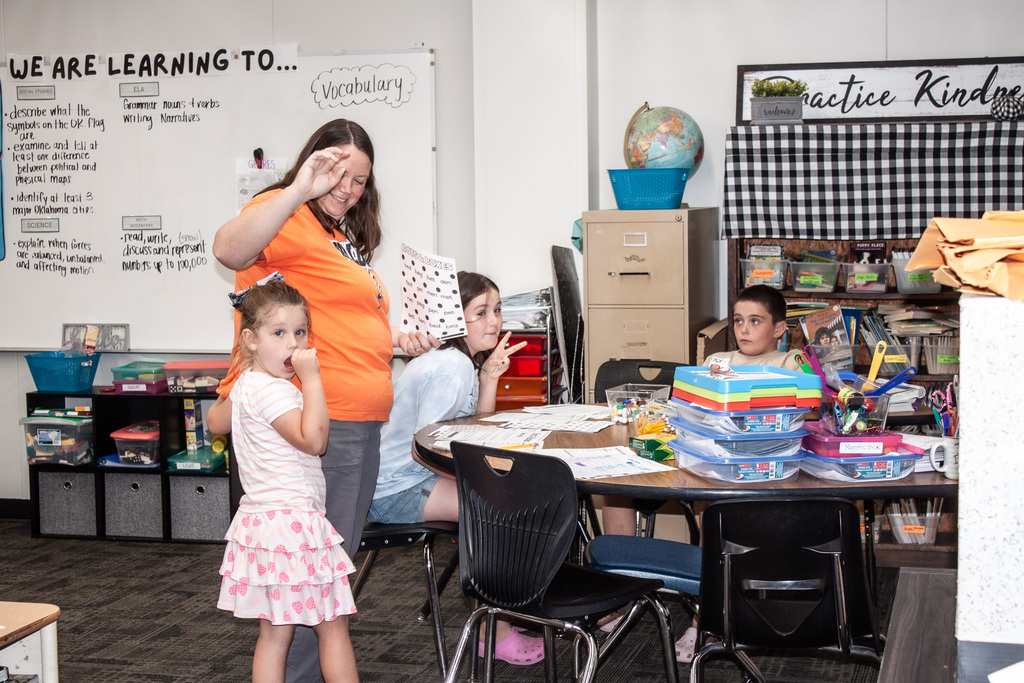
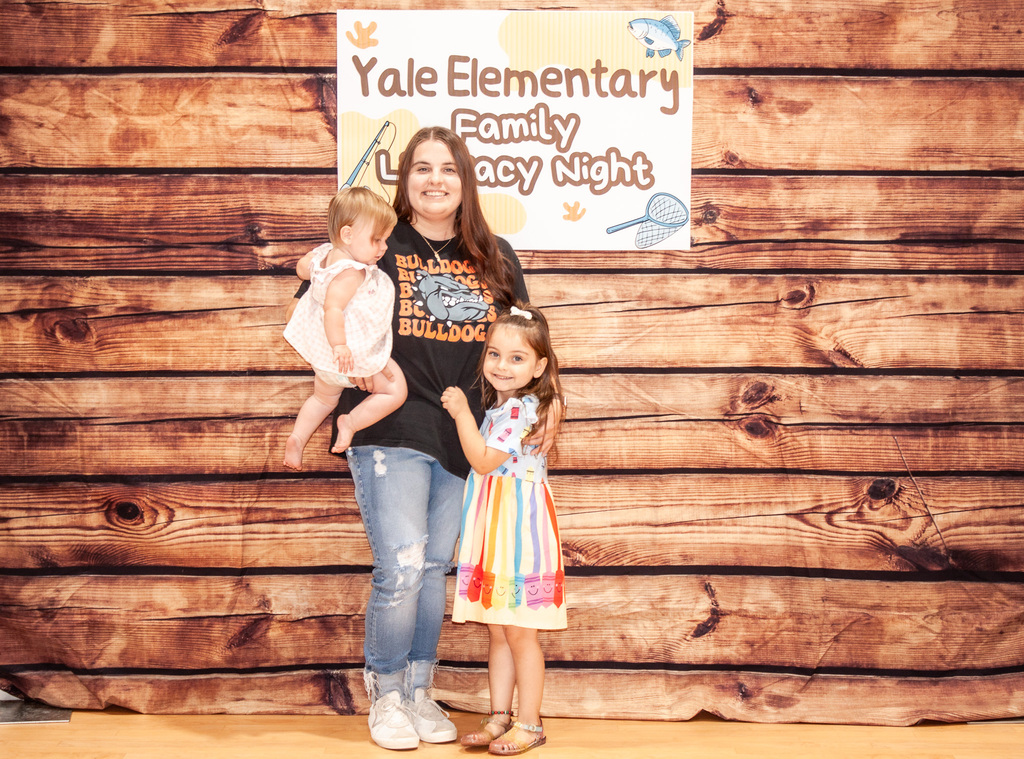
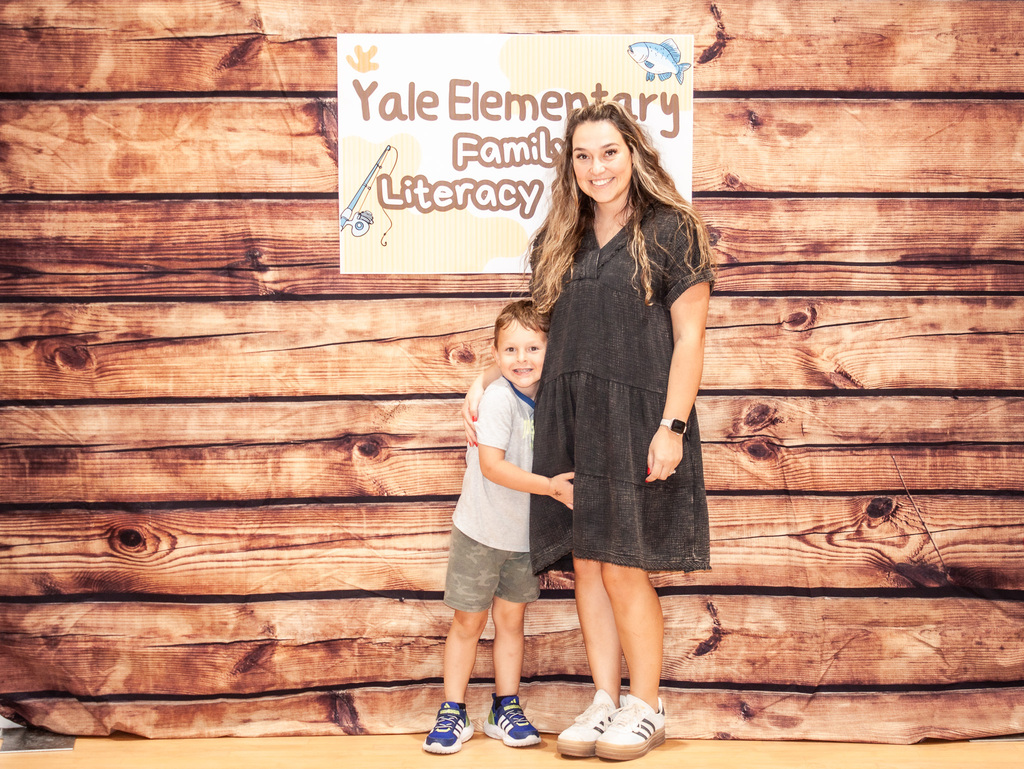
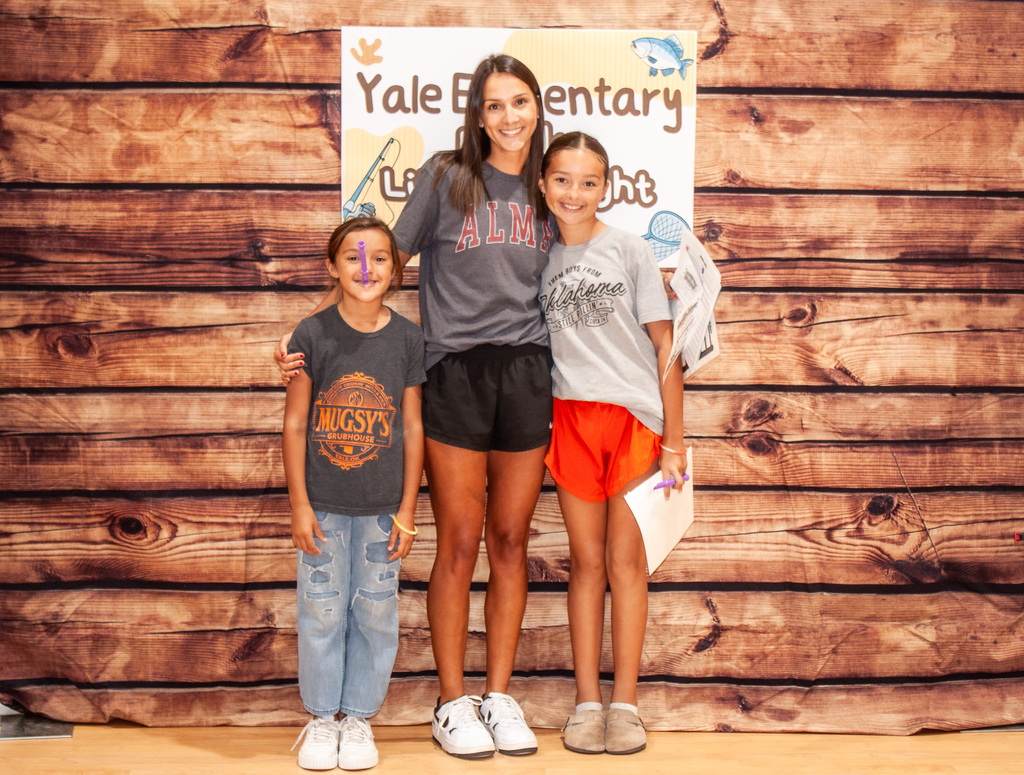
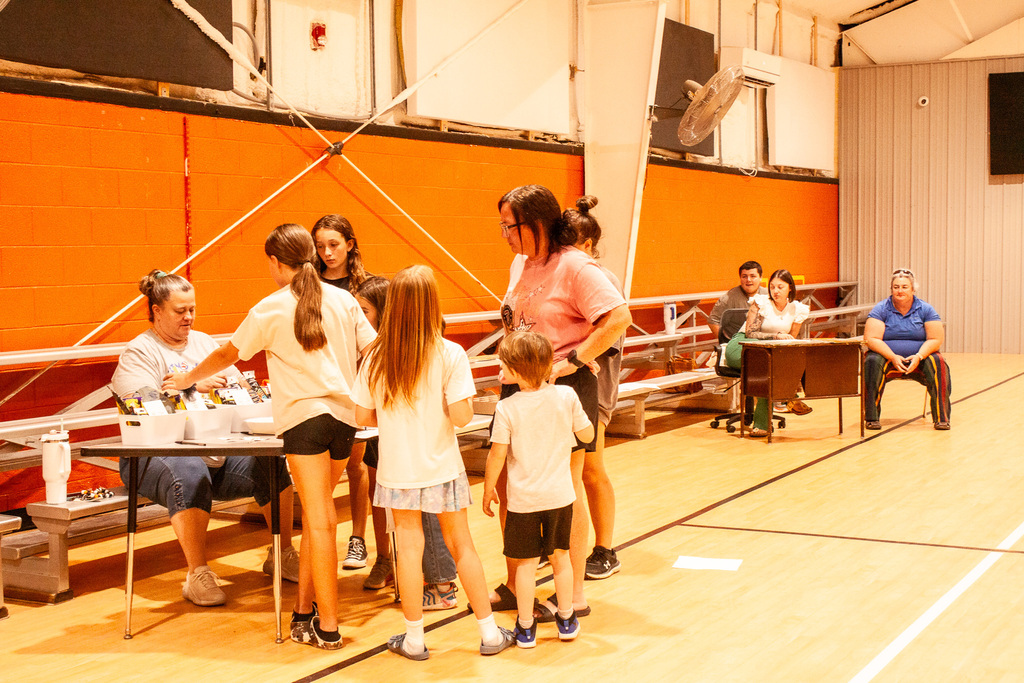
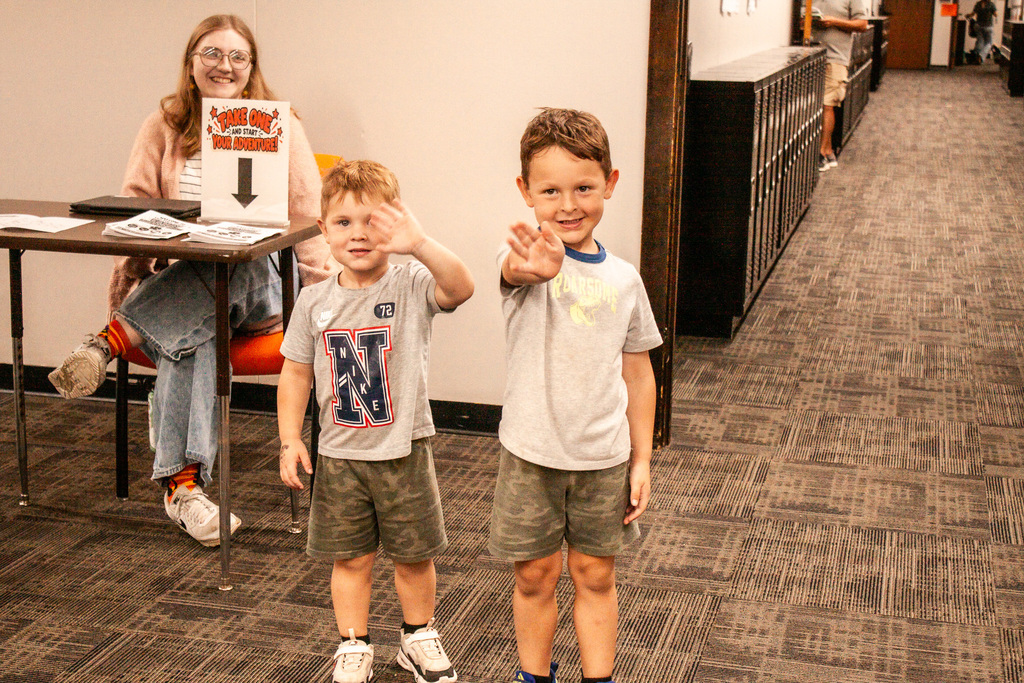
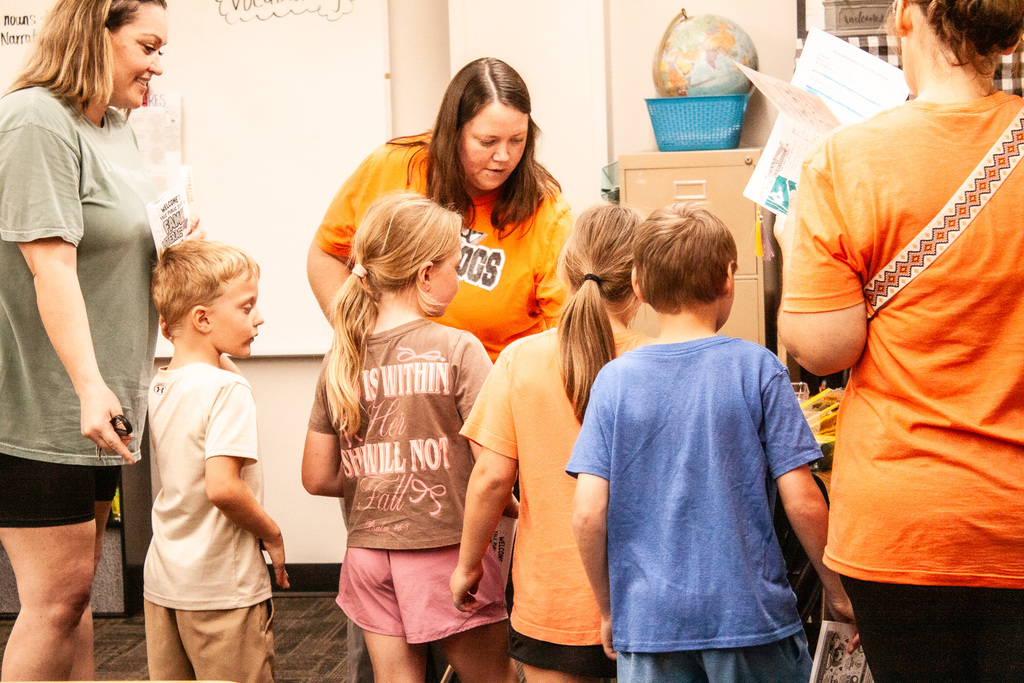
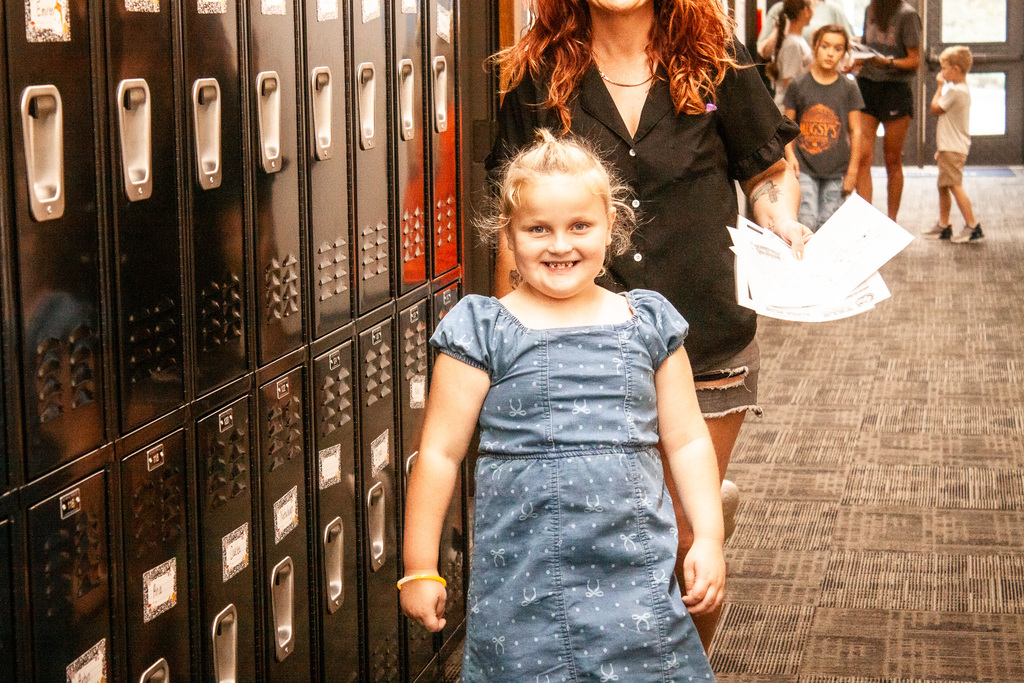
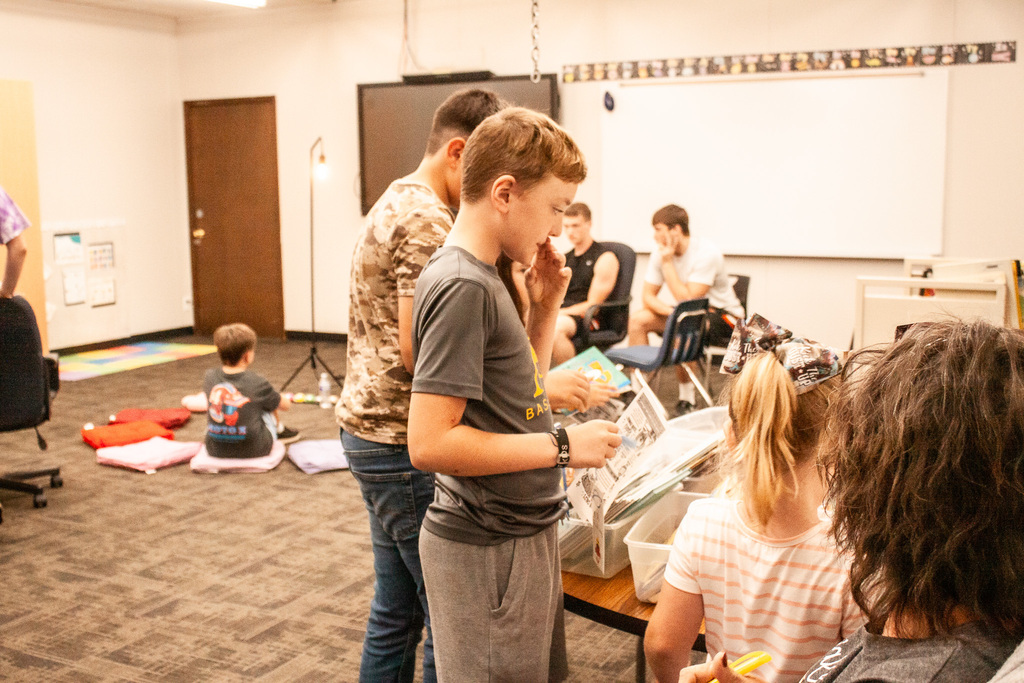
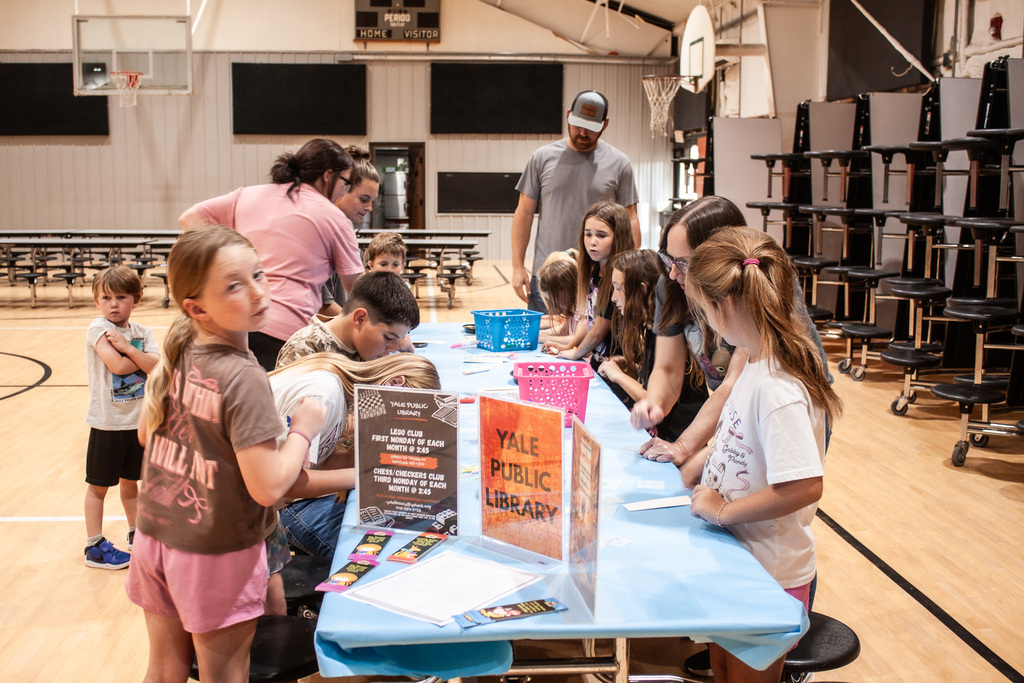
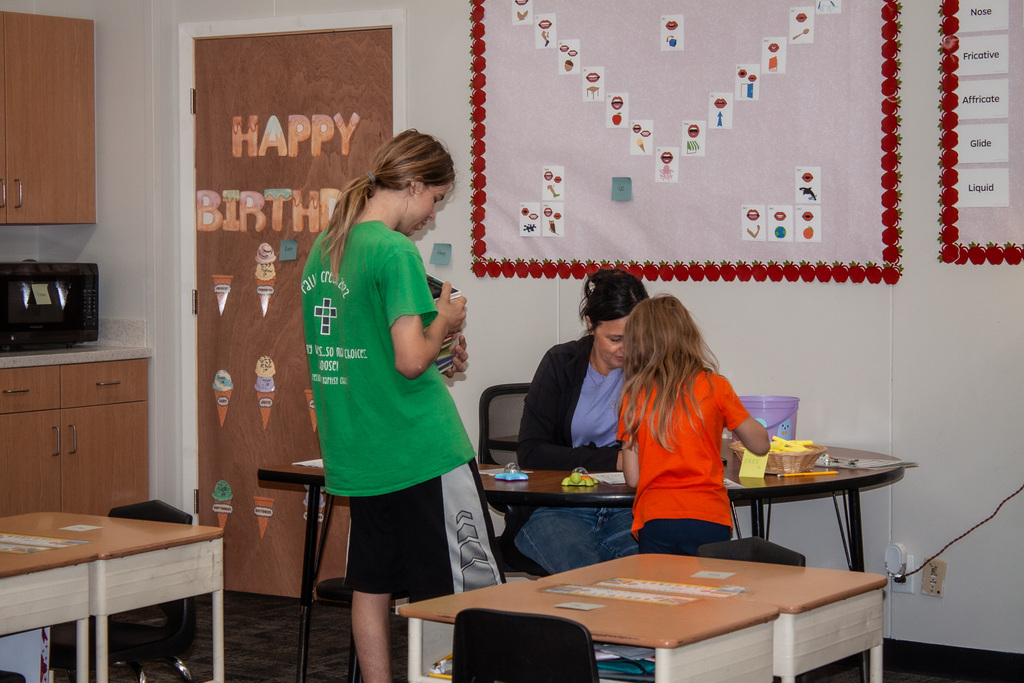
Thank you to everyone who came out to our Literacy Night! We had a great turnout and loved seeing so many families come together to celebrate reading!
Congratulations to our gift basket winners: Jetta Bruton, Jozlynn Page, Rylee Johnson, Brett Fowler, and Jennifer Cude
Thank you for being part of our Yale Bulldog family!
Congratulations to our gift basket winners: Jetta Bruton, Jozlynn Page, Rylee Johnson, Brett Fowler, and Jennifer Cude
Thank you for being part of our Yale Bulldog family!
🐾 Even on a short week, we still have Yale Awards to hand out! 🧡🖤
Congratulations to this week’s Yale Award winners! 🎉 We are so proud of you and all the hard work you put in each and every day! Keep up the great work, Bulldogs! 🐾🧡🖤
Congratulations to this week’s Yale Award winners! 🎉 We are so proud of you and all the hard work you put in each and every day! Keep up the great work, Bulldogs! 🐾🧡🖤
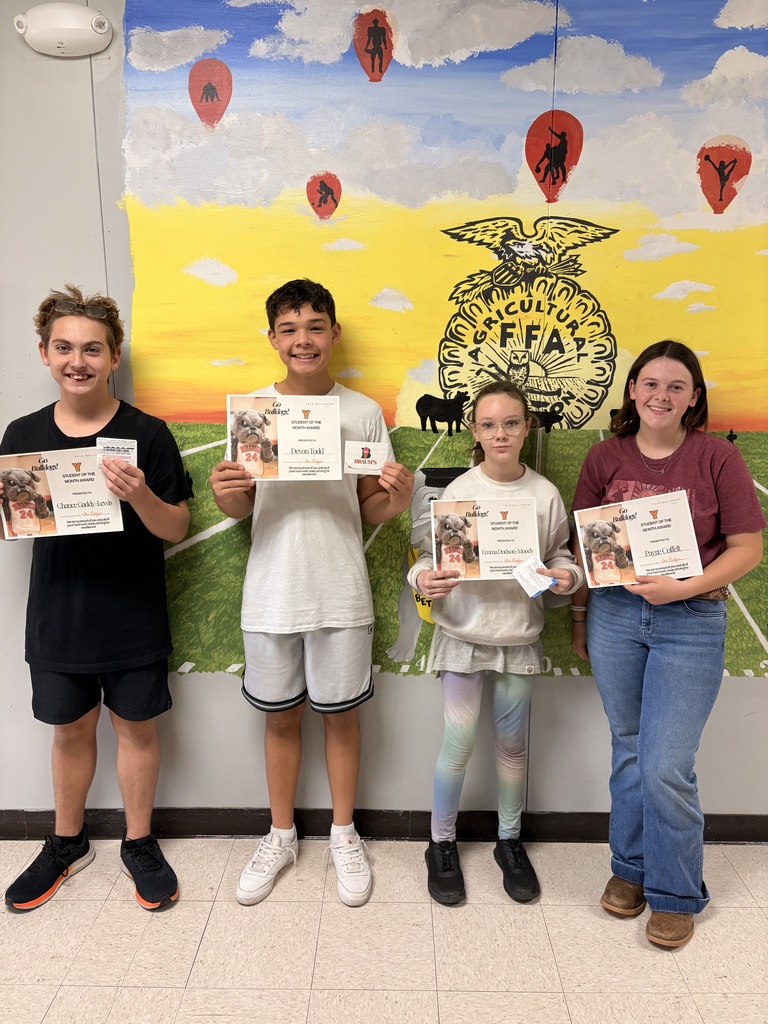
🎉 Congratulations to our September Students of the Month! 🎉
We are so proud of you and all the hard work you put in each day! Keep shining, making great choices, and being the amazing Bulldogs you are! 🧡🖤🐾
HS: Payge Coffelt & Devon Todd
JH: Emma Dodson-Moody & Chance Gaddy-Lewis
We are so proud of you and all the hard work you put in each day! Keep shining, making great choices, and being the amazing Bulldogs you are! 🧡🖤🐾
HS: Payge Coffelt & Devon Todd
JH: Emma Dodson-Moody & Chance Gaddy-Lewis
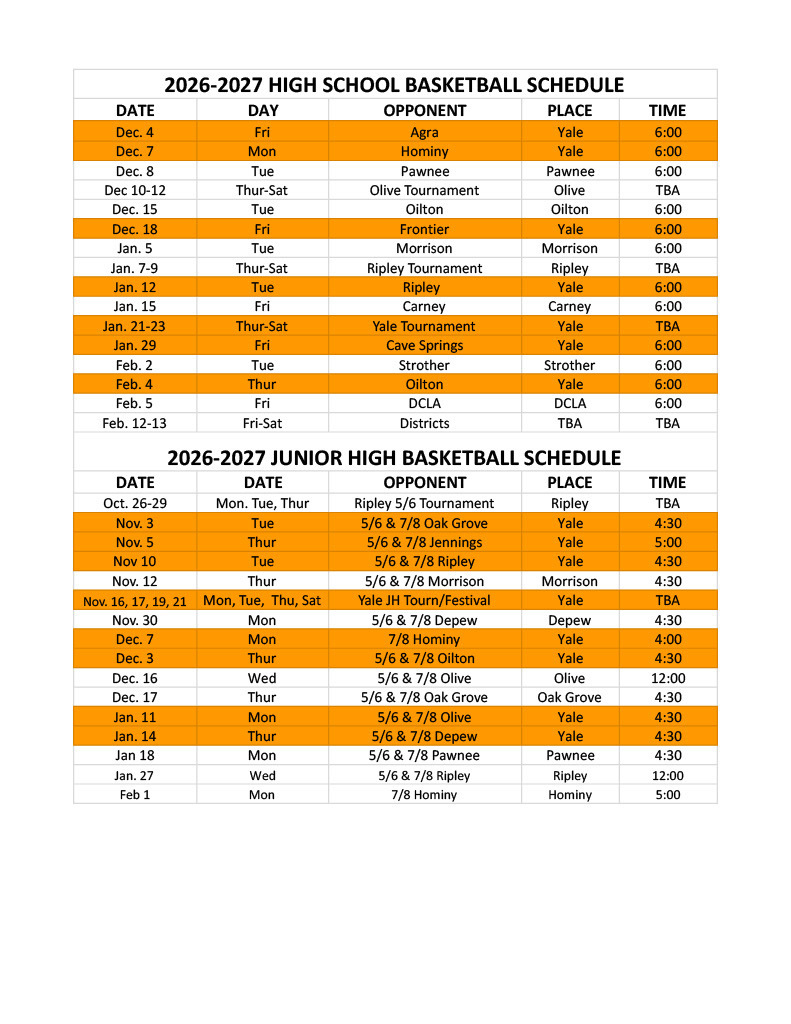
The 2026/27 Basketball schedule for the Bulldogs. The Junior High gets a head start in late October, and the High School teams tip off December 4th at home.